
Beta
Free Irrigation System Planner
Lay out sprinkler heads, check zones, and turn your site plan into a material list.
How it works
How to plan a sprinkler system from a site plan
Upload
Drop a site plan, blueprint, or satellite screenshot. Pan and zoom to fit.
Calibrate
Click two points on a known dimension (a curb panel, a wall) and enter the real length.
Outline
Trace turf areas, beds, and no-dig obstacles. They drive head sizing and routing.
Place
Drop rotors, sprays, MP rotators, and drip lines. Coverage arcs render live as you go.
Zone
Group heads into zones. The planner flags any zone that exceeds your POC capacity.
Export
PDF report, CSV bill of materials, or a full project JSON you can re-open later.
Example project
Example: Check a Sprinkler Zone’s Flow
With a measured supply of 10 GPM, a 75% planning allowance gives a 7.5 GPM zone budget. Four heads at 1.5 GPM each use 6 GPM; six use 9 GPM and exceed that budget.
- Open the sample plan. It loads separately from your own saved design.
- Replace the example water flow and pressure with measurements from your supply.
- Place compatible heads, group them into zones, and inspect the coverage and bill of materials.
Measurement limits
The arithmetic is illustrative, not a nozzle recommendation. Radius and flow depend on nozzle, arc, and operating pressure. Pressure losses, backflow protection, and local installation requirements need separate verification.
Features
Irrigation planning tools, nothing to install
Coverage Modeling
Drag a head to resize its radius, rotate the wedge, or pin a 90 / 180 / 270 / 360 arc.
Hydraulic Zoning
Zones split to your POC budget (default 10 GPM × 0.75 = 7.5 GPM per zone) with cap warnings.
Drip Lines
Draw a polyline through a planting bed and the BOM gets 1/4" tubing + ET63-100S emitters.
Scale Calibration
Two-click calibration handles any DPI. All radii, pipe lengths, and zone GPM stay accurate.
Real-SKU Bill of Materials
Heads match Rain Bird SKUs. Pipe, fittings, swing joints, valves, wire, boxes, and backflow.
Live Coverage Overlay
Translucent wedges add visually so gaps and over-spray pop instantly while you place heads.
Uses
Who plans sprinkler systems with Areaplane
Homeowner DIY
Plan your own yard, size a starter system, and walk into the supply house with a parts list.
Small Contractor
First-pass design before the site visit. Reuse defaults across jobs to estimate fast.
Landscape Designer
Present zone and coverage diagrams alongside planting plans for client-ready packages.
Sod & Lawn Care
Estimate watering coverage for new turf installs and overlay it on the client's plot map.
FAQ
Irrigation planner questions
Accuracy, file types, privacy, and how the numbers are calculated.
What does the Irrigation Planner do?
Upload a site plan, calibrate the scale, paint your turf and obstacle polygons, mark the water tap and controller, and the planner auto-places sprinkler heads on a head-to-head triangular grid, splits them into zones sized to your available GPM, and produces a bill of materials.
What GPM and pressure should I enter?
Defaults are illustrative values of 10 GPM and 50 PSI, not measurements of your property. For an accurate plan, measure your real supply with a bucket test at the hose bib and a gauge reading at full flow.
Does it support drip irrigation?
Yes. Drip lines are drawn as polylines that auto-compute tubing length and emitter count (Rain Bird ET63-100S at ~18 inch spacing). They live in their own zones with separate GPM accounting.
How are zones sized?
Zones are sized to an effective cap of min(POC GPM × 0.75, valve cap = 12 GPM). The planner refuses to mix rotor and spray heads on the same zone because their precipitation rates differ.
Is anything uploaded to a server?
No. Everything runs in your browser. Your site plan and design stay on your device via IndexedDB.
Can I export the plan?
Yes. Export a multi-page PDF report with the plan view, system overview, per-zone breakdown, and full bill of materials. A CSV BOM and a complete project JSON (round-trippable for re-importing later) are also available.
What about backflow, code, and frost depth?
The BOM includes a PVB backflow assembly line, 18 AWG multi-conductor control wire sized to the zone count, and jumbo valve boxes with gravel + geotextile. Verify local code, freeze depth, and backflow requirements with your municipality before installing — this tool is for planning, not as a substitute for a licensed irrigation specialist.
Guides
Sprinkler design guides
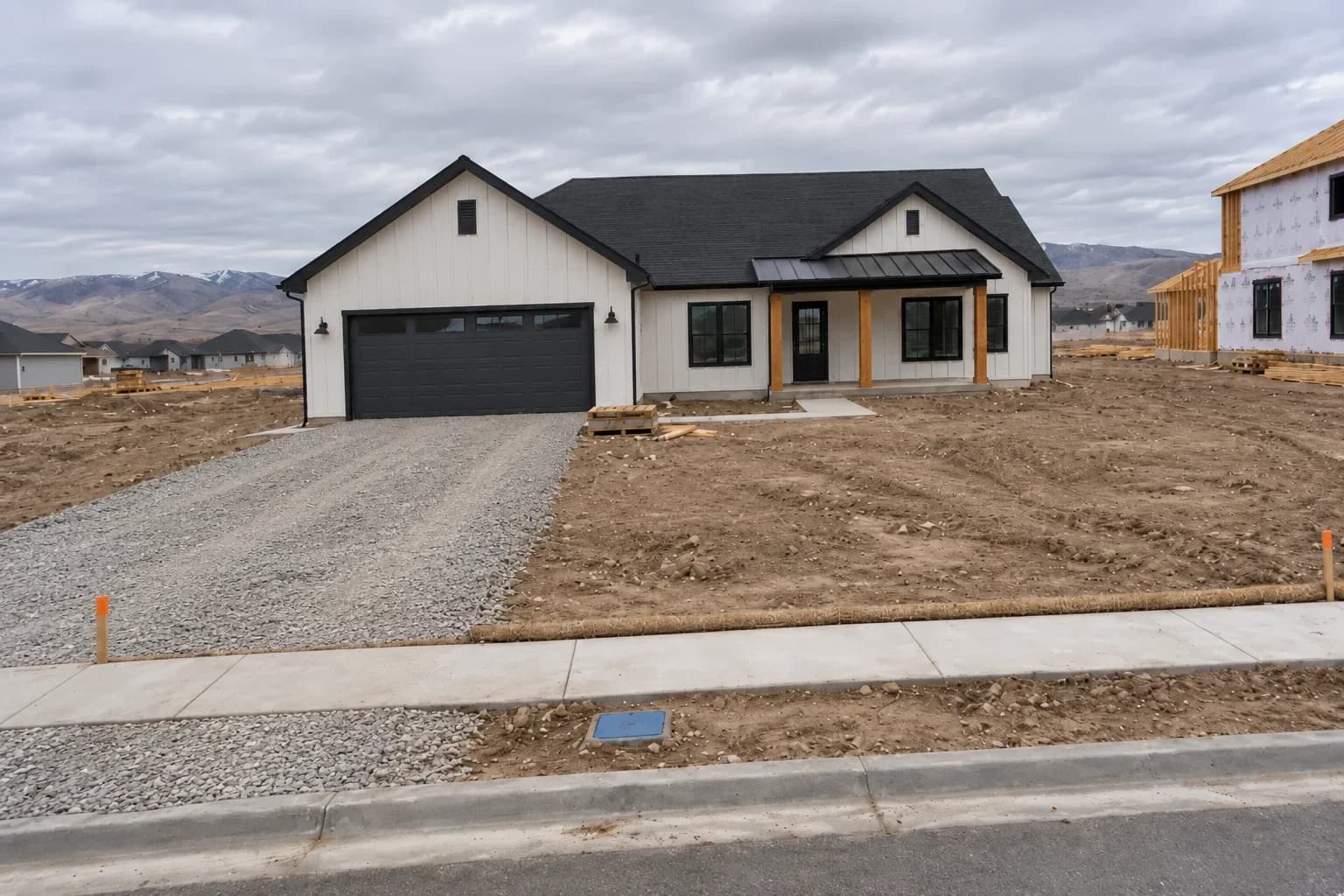
New Build Landscaping: A Full Project from Bare Dirt
How one new build went from bare dirt to a finished yard: satellite measurements, a plot plan takeoff, a six-zone sprinkler design, orders, and costs.
Read the guide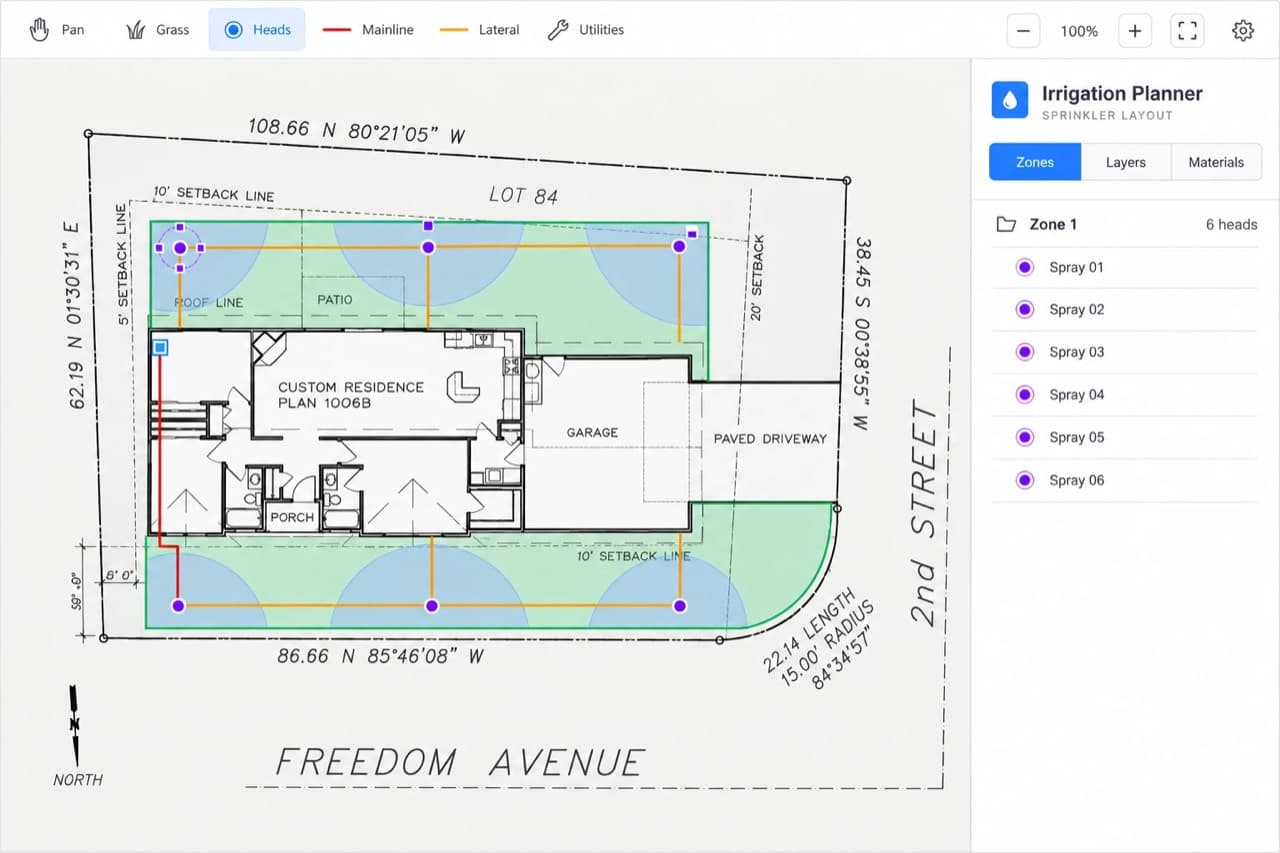
How Many Sprinkler Heads Do I Need? Spacing, Radius, and Zones
Work out sprinkler head count from your lawn's dimensions, the head's throw radius, and your water supply, then split the heads into zones that your supply can run.
Read the guide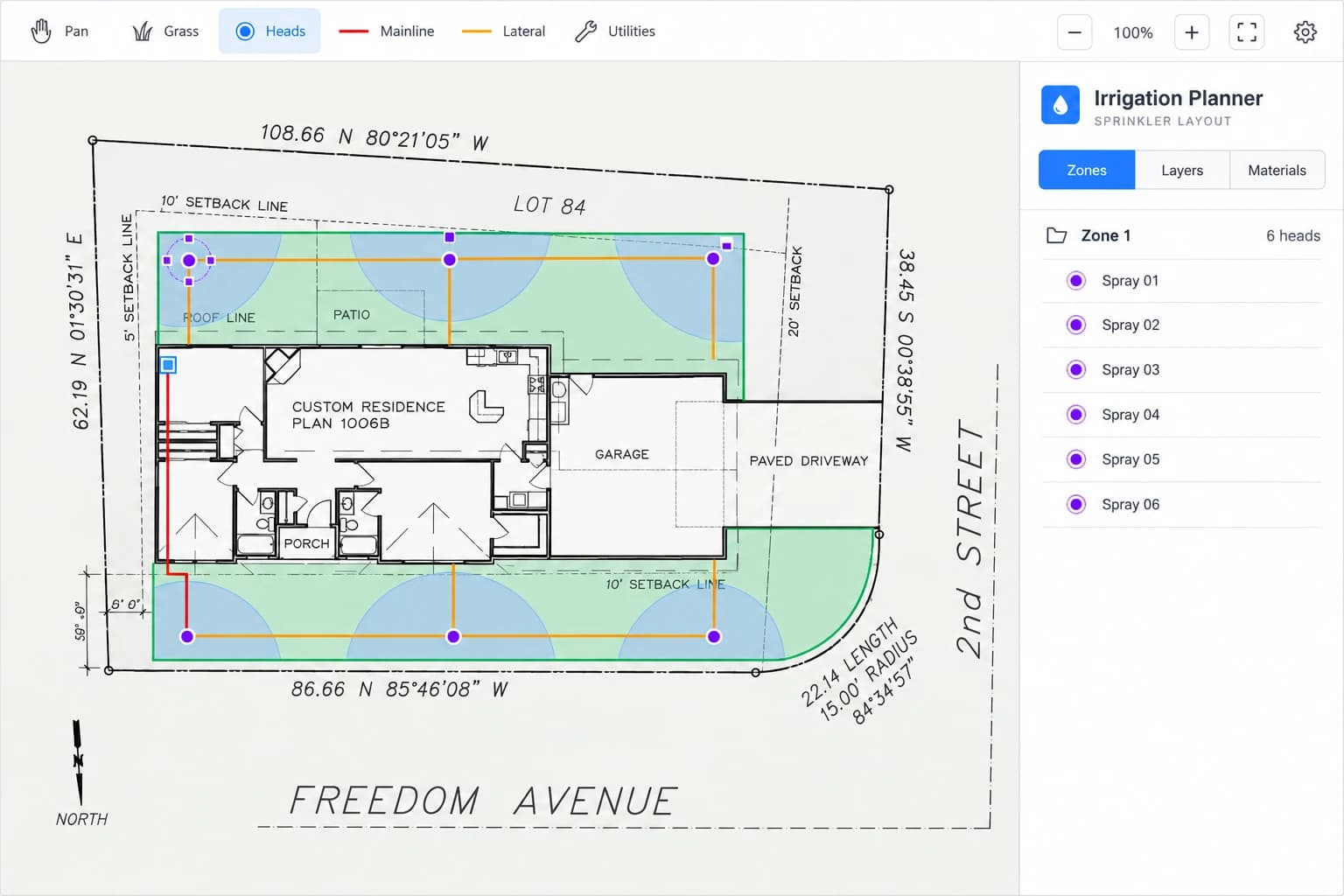
How to Design a Residential Sprinkler System: A Beginner-Friendly Walkthrough
Lay out a residential irrigation system step-by-step — measure your water supply, choose the right heads, plan zones, and produce a real bill of materials in your browser.
Read the guideOpen the Irrigation System Planner
Free, private, and ready in your browser. No sign-up required.
Measurements are estimates. Check important dimensions on site before ordering materials. Areaplane does not establish legal property boundaries.