
Free Floor Plan Calculator
Upload a floor plan or PDF, set one known dimension, and trace your rooms to calculate square footage.
How it works
How to measure square footage from a floor plan
Upload
Drag and drop any floor plan, blueprint, or image onto the canvas. Supports JPG, PNG, and PDF files.
Scale
Draw a line along a known dimension and enter the real-world length to calibrate all measurements.
Measure
Outline rooms with polygon or rectangle tools. Area appears instantly in sq ft or sq m.
Organize
Drag measurements into named categories. Each category shows a subtotal for easy comparison.
Save
Projects auto-save to your browser. Download a JSON backup with everything included.
Example project
Example: Measure an L-Shaped Room
Start with a 20 × 15 ft outline and exclude a 5 × 5 ft corner. The floor area is 300 − 25 = 275 sq ft (25.55 sq m).
- Open the sample plan. It loads separately from anything you have saved.
- Check the saved 20 ft reference dimension with the length tool.
- Trace or adjust the L-shaped outline and compare the result with 275 sq ft.
Measurement limits
A known dimension is essential. Image distortion, wall thickness, and tracing choices affect the result. Material allowances are separate from measured floor area.
Features
Floor plan measuring tools, nothing to install
Polygon Tool
Trace irregular shapes point-by-point. Right-click or click the first point to close.
Rectangle Tool
Click and drag for quick rectangular measurements.
Length Measurement
Measure linear distances between any two points.
Scale Calibration
Set a known dimension on the plan to convert pixels to real-world units.
Unit Conversion
Toggle between sq ft and sq m. Supports feet, meters, inches, and centimeters.
Categories
Group measurements by room type or project phase with subtotals.
More features
Project Files
Download projects as JSON. Re-upload to pick up where you left off.
Auto-Save
Work is saved to local storage automatically. Close the tab and come back later.
Zoom & Pan
Scroll to zoom, drag to pan. Pinch and two-finger gestures on touch devices.
JPG, PNG & PDF
Upload images or PDFs. PDFs are rendered at high resolution via PDF.js.
Export & Import
Save and load .json files with image, measurements, categories, and scale.
100% Client-Side
Floor plans and measurements stay in your browser. No account needed. Website usage analytics are described in our privacy policy.
Uses
Who measures floor plans with Areaplane
Real Estate
Measure room sizes from floor plan PDFs for listings. Verify square footage for appraisals. Calculate commercial lease areas from blueprints.
Home Improvement
Calculate flooring, carpet, and tile quantities. Estimate paint coverage per room. Plan kitchen and bathroom layouts.
Landscaping
Measure lawn areas for sod, seed, or fertilizer. Size decks, patios, and driveways. Plan garden beds and mulch coverage.
Construction
Quick take-offs from architectural plans. Estimate drywall, insulation, and framing. Calculate roofing area from plan views.
Insurance
Document damage areas for claims. Verify property sizes for coverage. Calculate replacement area for flooring and fixtures.
Facility Management
Plan office layouts and usable area. Measure warehouse storage zones. Calculate retail floor space for leases.
FAQ
Floor plan calculator questions
Accuracy, file types, privacy, and how the numbers are calculated.
How can I find the square footage of a house online for free?
Start with a dimensioned floor plan from an existing listing, builder, or your own records. Upload it to Areaplane, calibrate a known length, and trace the rooms. If you have no plan, local property records may list a reported area, but the definitions can differ. Satellite maps show the roof footprint, not the combined floor area of a multi-story house.
Is the Floor Plan Calculator really free?
Yes, 100% free. There is no sign-up, no watermark, and no usage limit. Everything runs in your browser.
What file types can I upload?
You can upload JPG, PNG, and PDF files. Any floor plan, blueprint, or architectural drawing works.
How accurate are the measurements?
Accuracy depends on your scale calibration. Draw a reference line along a known dimension, enter the real-world length, and all subsequent measurements will be proportionally accurate.
Is my floor plan data private?
Yes. Your images and measurements never leave your browser. Nothing is uploaded to a server.
Can I save and come back later?
Projects auto-save to your browser's local storage. You can also download a JSON backup file to continue on another device.
Does it work on mobile?
The app works best on a desktop or tablet with a larger screen. Mobile devices are supported but the experience is optimized for bigger displays.
How do I calculate the square footage of a room?
For a rectangular room, multiply the length by the width. For example, a 12 ft x 15 ft room is 180 sq ft. For irregular rooms, divide the space into rectangles and triangles, calculate each area, and add them together. With Areaplane, you can trace any room shape on a floor plan and the area is calculated automatically.
How do I convert square feet to square meters?
Divide the area in square feet by 10.764 to get square meters. For example, 500 sq ft equals approximately 46.45 sq m. Areaplane lets you toggle between sq ft and sq m with one click.
Guides
Floor plan guides
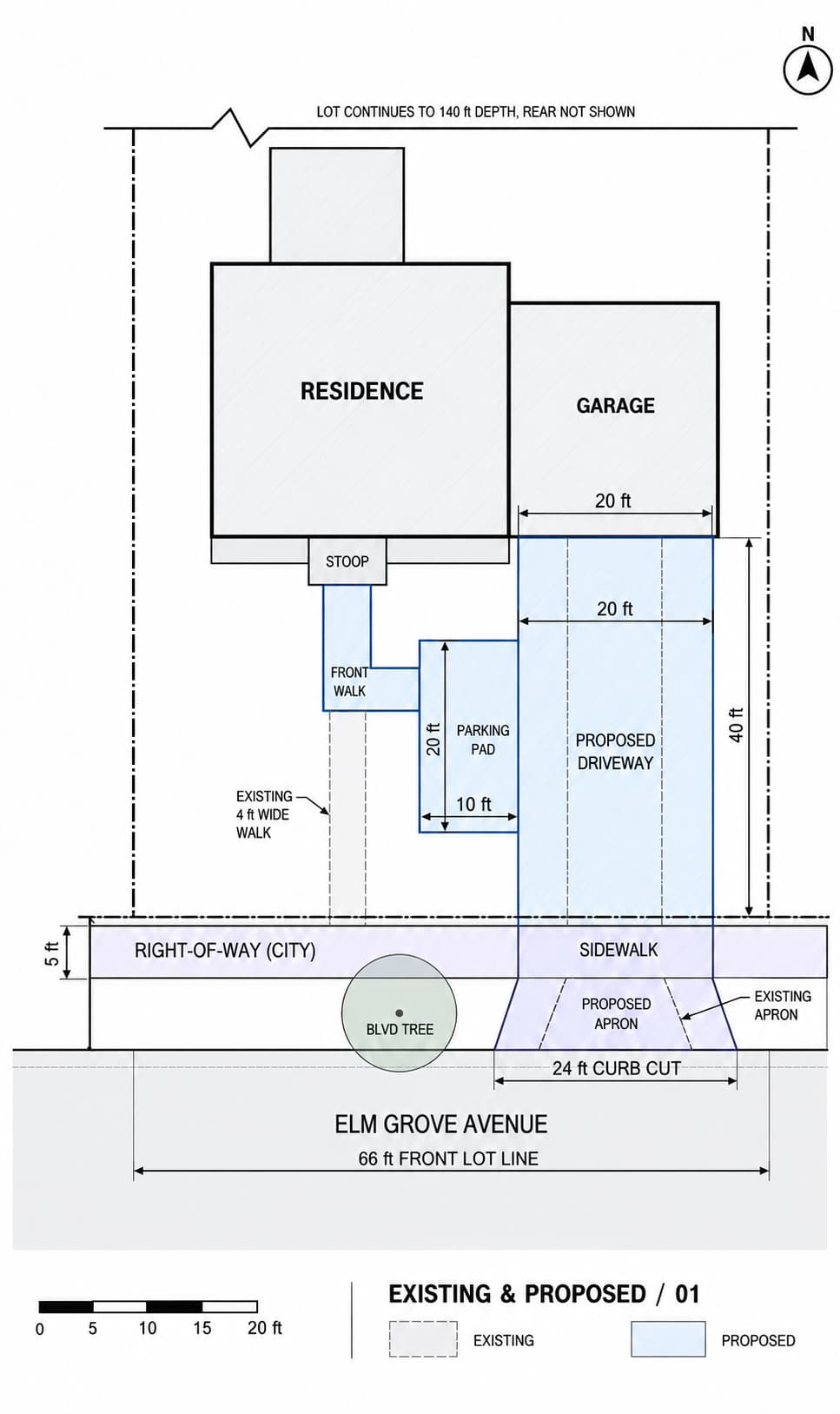
Plan a Driveway Replacement and Widening in Areaplane
Use four driveway plans in Areaplane to compare layouts, separate private paving from city concrete, measure demolition and restoration, and prepare a clear contractor bid.
Read the guide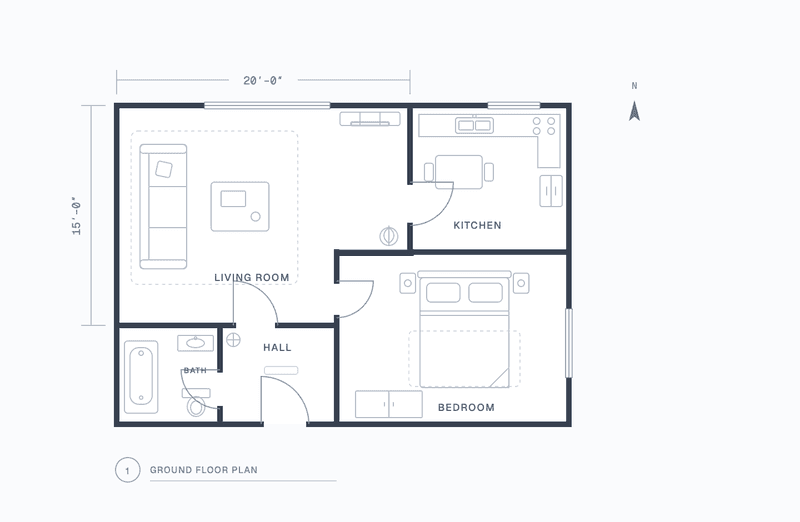
How to Measure an Irregular Room's Square Footage
L-shaped rooms, angled walls, alcoves, and bay windows: how to trace them from a floor plan, what to include, and how to turn the area into a flooring order.
Read the guide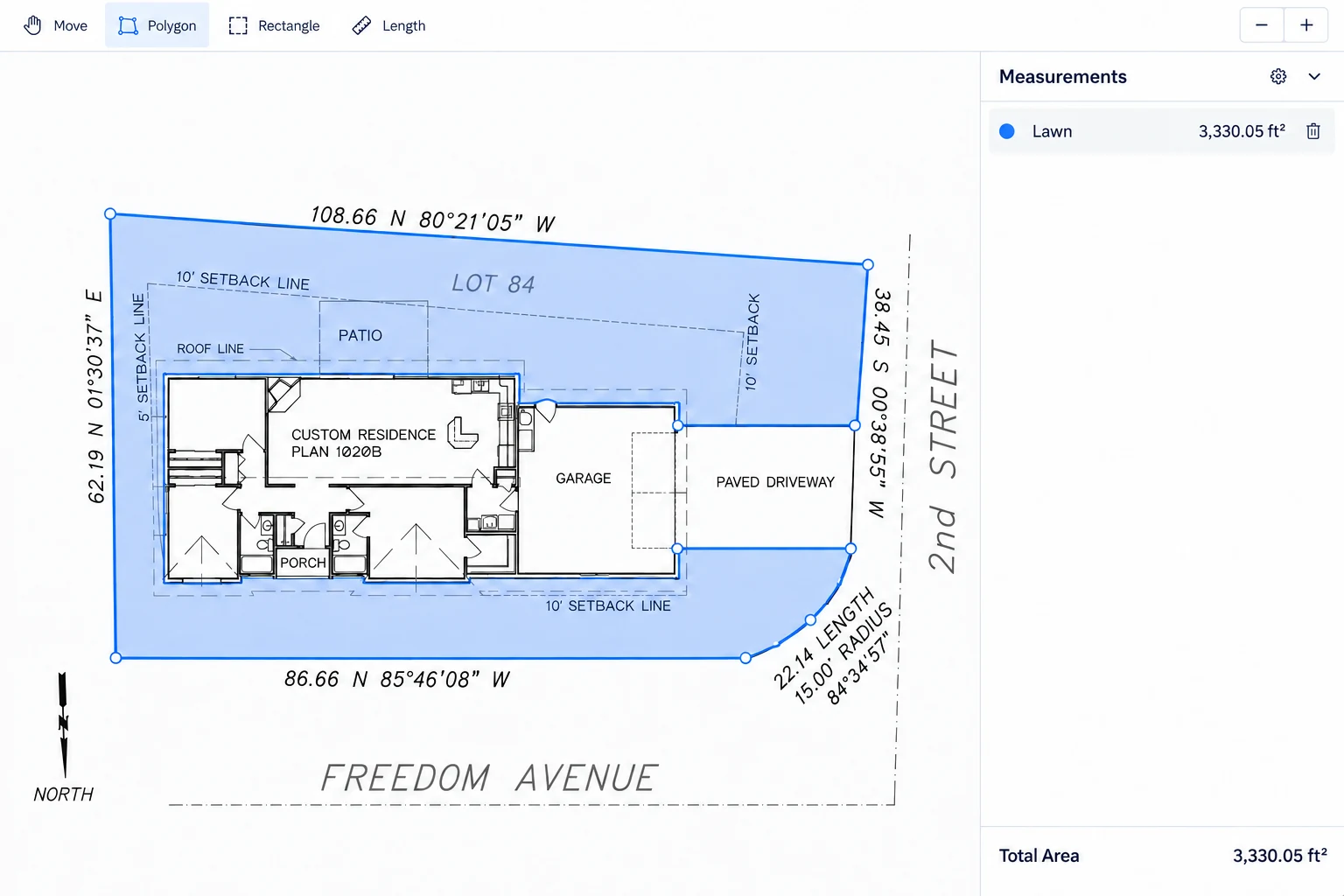
How Much Sod Do I Need? Measure Your Yard in 10 Minutes
A real-world walkthrough of measuring your yard with Areaplane to estimate lawn area, add a cutting allowance, and round up to whole sod pallets.
Read the guideOpen the Floor Plan Calculator
Free, private, and ready in your browser. No sign-up required.
Measurements are estimates. Check important dimensions on site before ordering materials. Areaplane does not establish legal property boundaries.