
01
Floor Plan Calculator
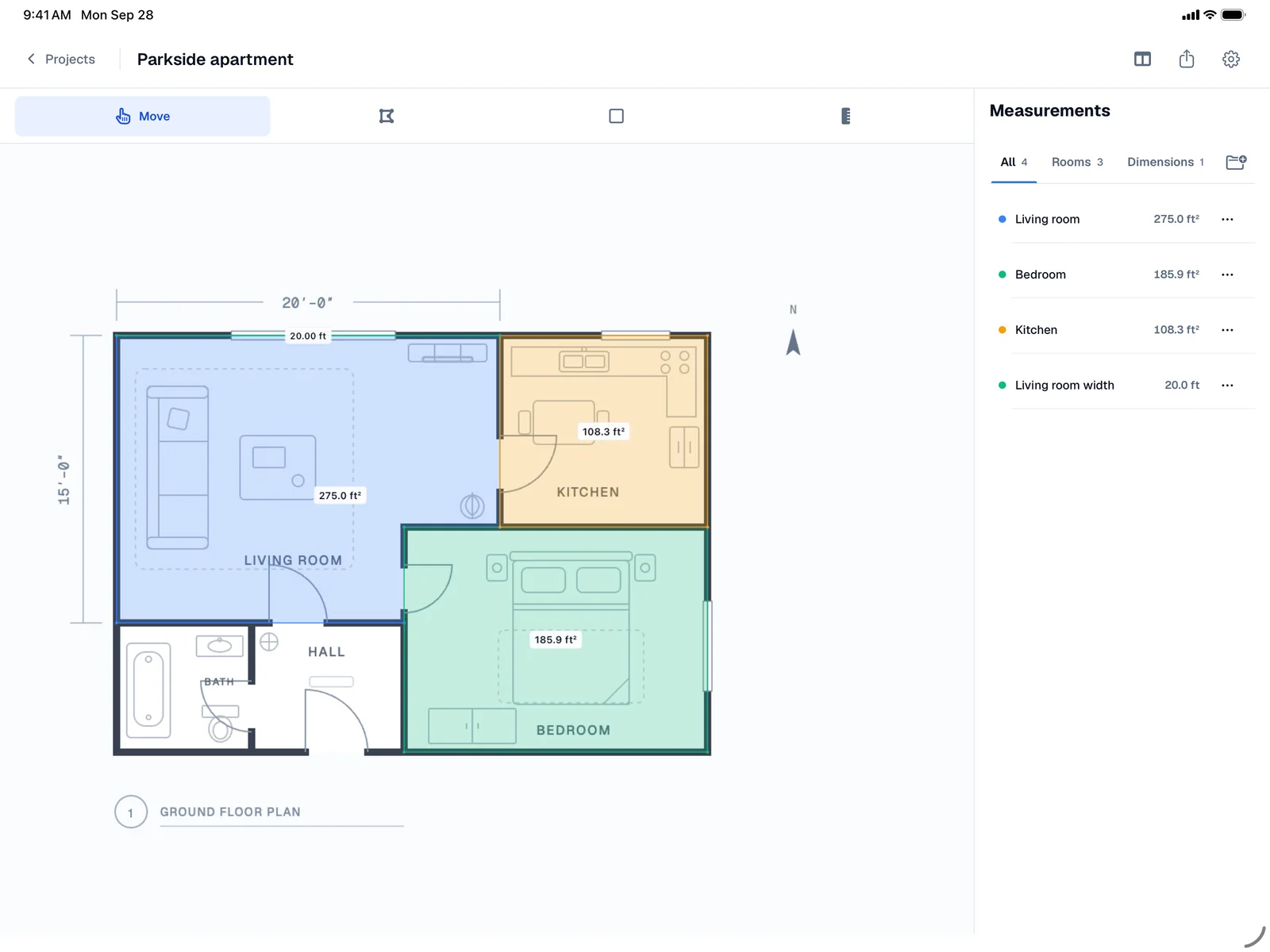
Turn a floor plan into square footage. Set one known distance, then trace the spaces you need.
Upload a plan or search an address, trace what you need, and get square footage, distances, and material estimates in seconds.
Tools
Turn a floor plan into square footage. Set one known distance, then trace the spaces you need.
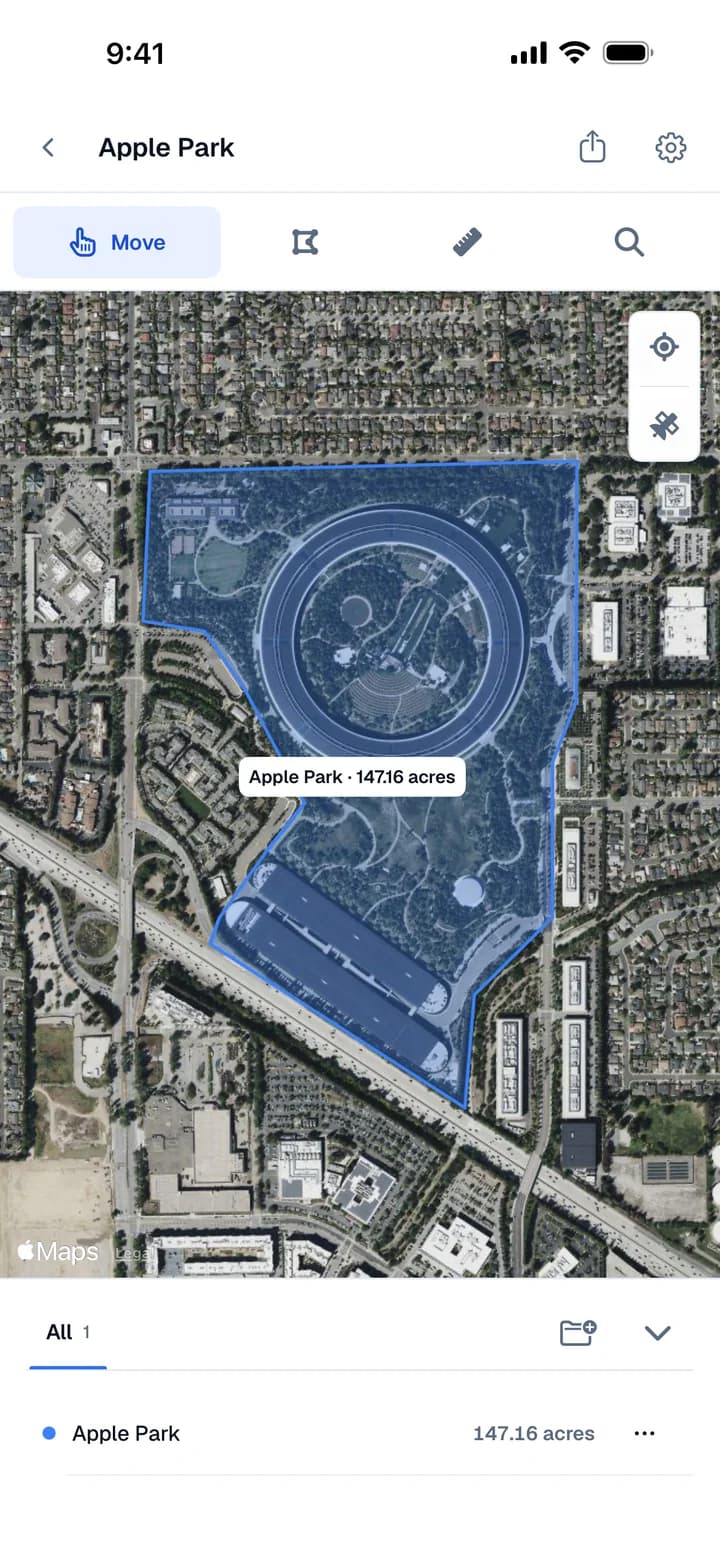
Find a location on satellite imagery. Outline a lawn, roof, or lot and see its estimated area.
Lay out sprinkler heads, organize them into zones, and turn your design into a material list.
Your projects, between you and Apple. Sign in with Apple and they save straight to your own iCloud, never to Areaplane. No Apple device needed.
Only you and Apple see your projects.
1 GB of iCloud with any Apple Account, 5 GB with an Apple device. Create one free
Any browser, Windows and Android too. Edit in the latest Areaplane app on iPhone and iPad with Pro.

Built for power users, and for measuring on the fly, like when you are quoting a job on site. Trace floor plans and satellite maps with a finger, and keep every project in sync through iCloud.
Import a plan photo, or search an address and trace the lot on satellite imagery.
Group rooms and areas, see a total for each group, and share a report.
With Pro, projects sync between iPhone, iPad, and Areaplane.com.
Invite people to edit with you. Only you need Pro.
The app is free to try, with project limits until you upgrade to Areaplane Pro. The web version is free, with no limits.
How it works
Drop in a floor plan, PDF, or site image, or search an address on satellite view.
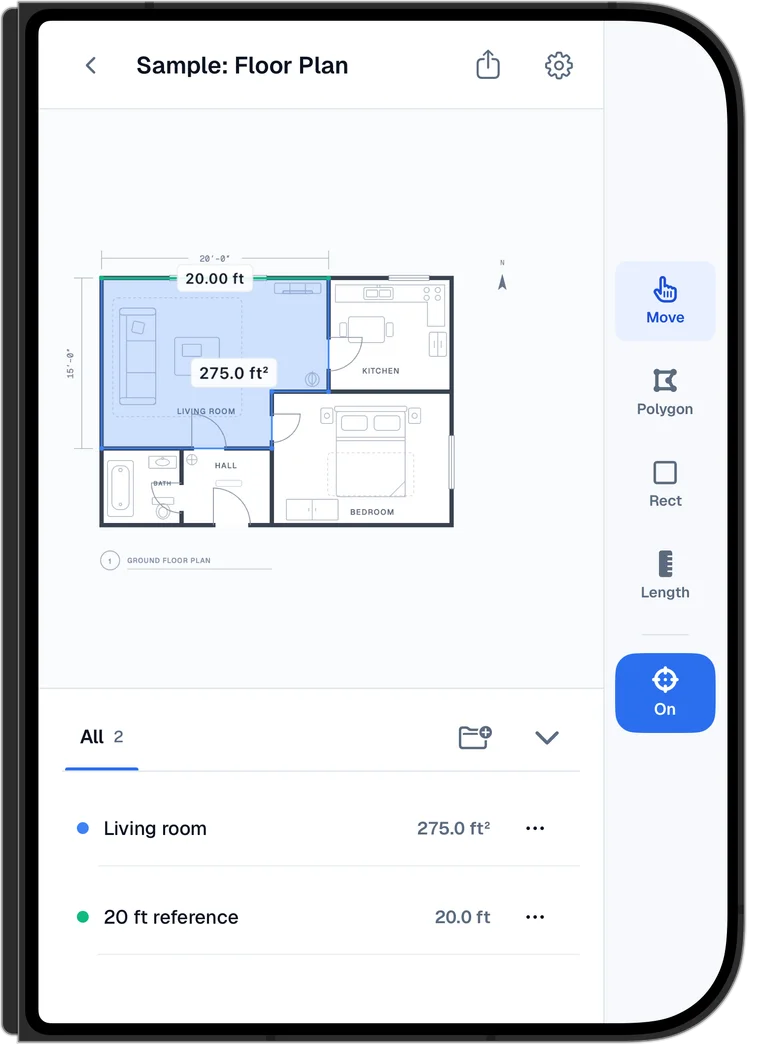
Mark one distance you already know. Every measurement after that is calibrated to it.
Outline a room, roof, or lawn. Area and length appear instantly in ft² or m².
Private by design
Floor plans, site images, and measurements are processed on your device. They stay in this browser, or in your own iCloud if you use Areaplane Sync. Either way, Areaplane never sees them.
How your data is handledOpen a tool and start measuring. Nothing is uploaded to Areaplane.
Close the tab and come back later. Sign in with Apple to keep projects on every computer.
The map tool loads imagery from Apple Maps, or Esri if you choose it. Your outlines stay local.
Guides
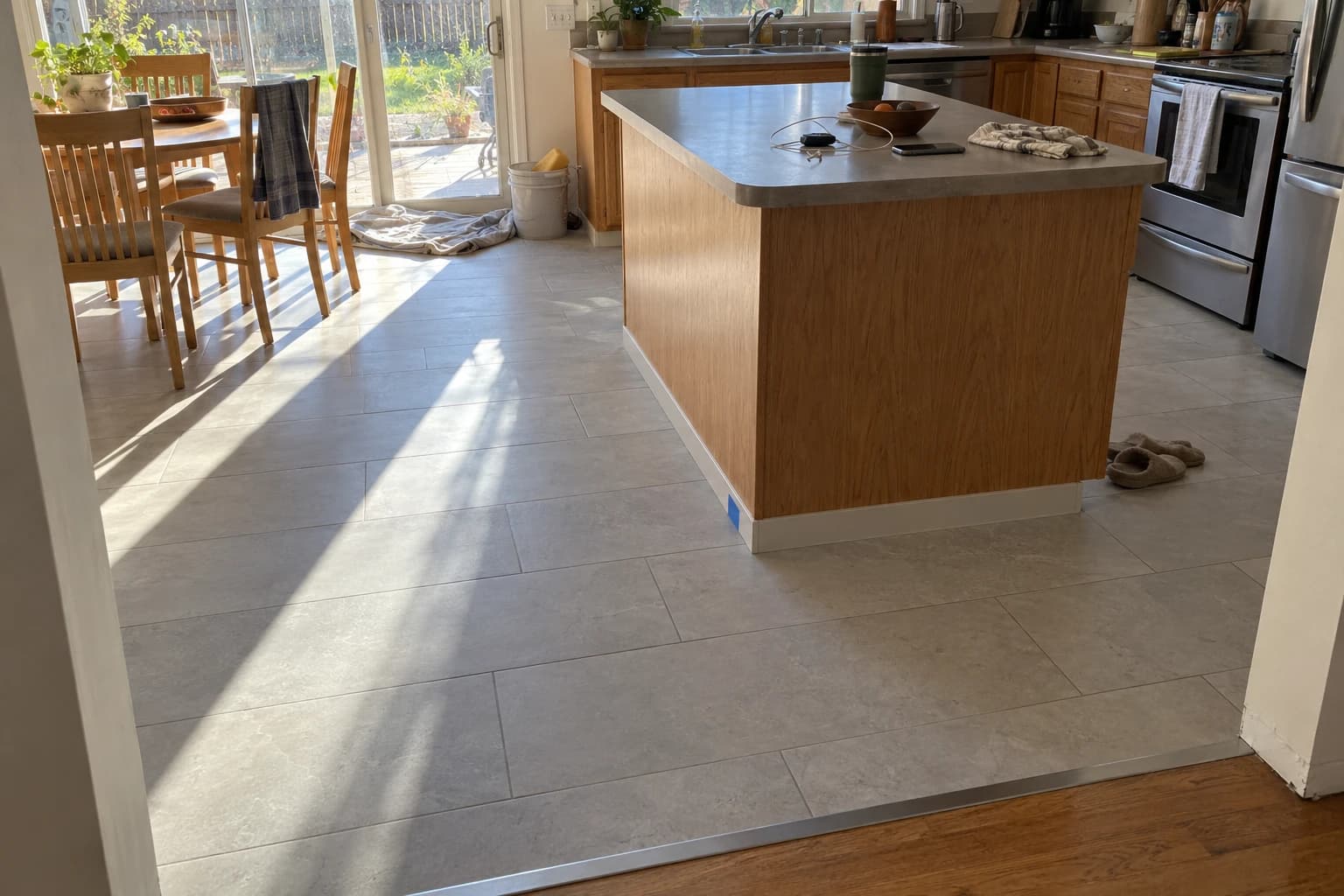
A 1970s Denver-area ranch gets new kitchen porcelain and a retiled tub surround: takeoff, waste by layout, setting materials, trim, and a schedule around a working kitchen.
Read the guide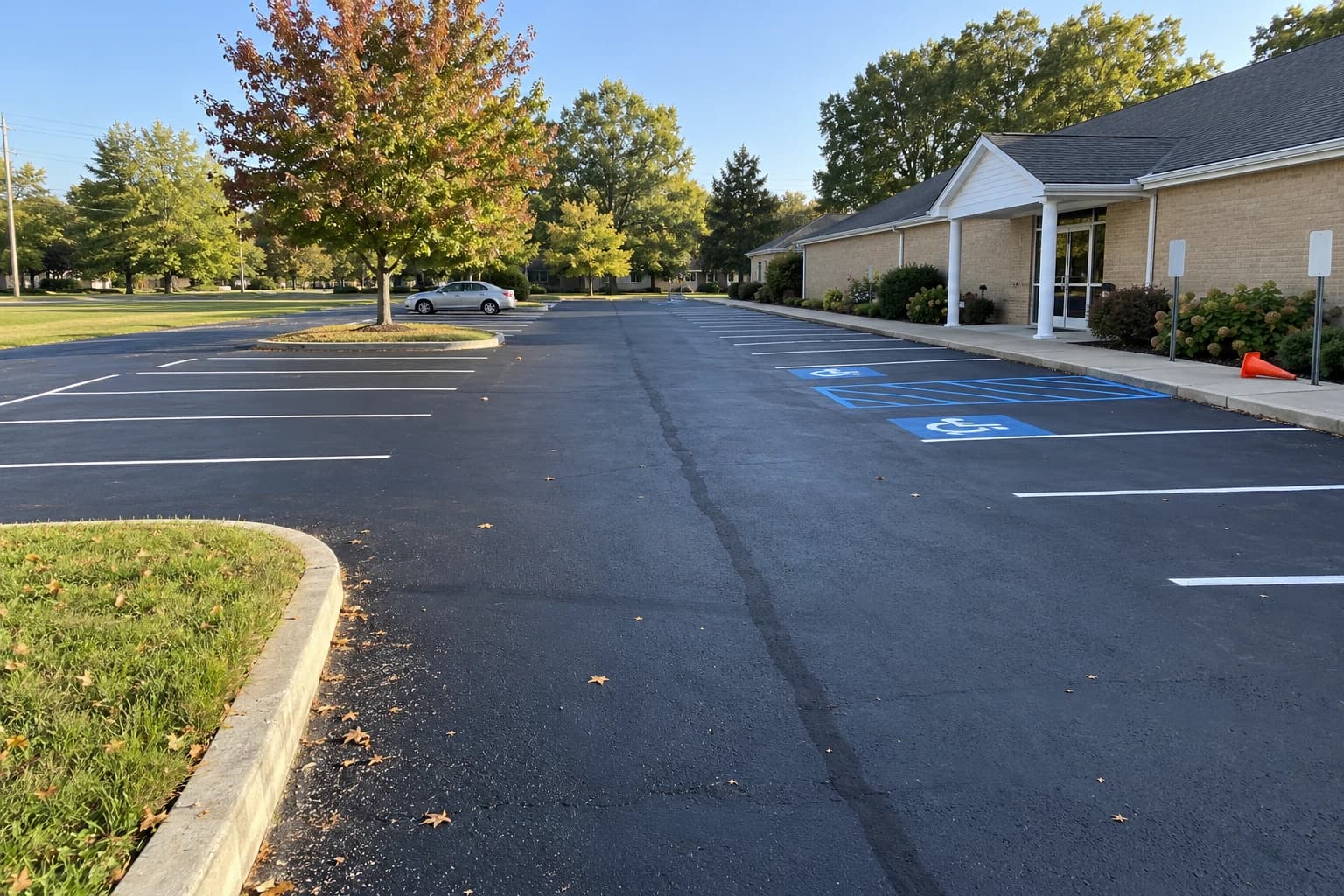
A volunteer measures a 37-stall church lot, works out sealer, crack filler and paint, and normalizes three contractor bids to $/sq ft and $/ft.
Read the guide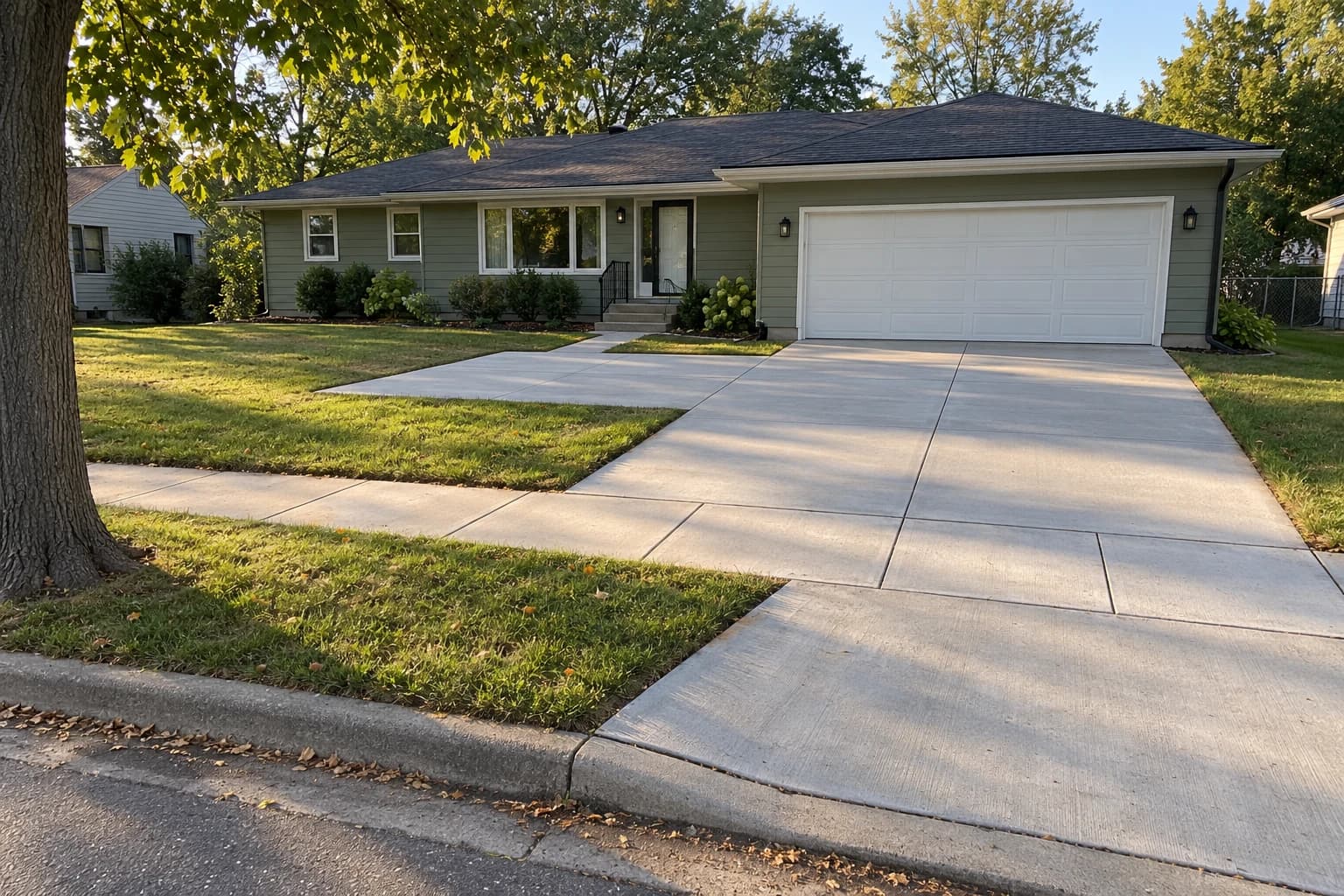
Use four driveway plans in Areaplane to compare layouts, separate private paving from city concrete, measure demolition and restoration, and prepare a clear contractor bid.
Read the guideFAQ
Formulas, unit conversions, and what to expect from an online measurement.
Multiply the length of a space by its width. For example, a 12 ft x 15 ft room is 180 sq ft. For irregular shapes, divide the area into rectangles and triangles, calculate each one separately, and add them together. Areaplane automates this. Upload a floor plan or draw on a map and the area is calculated instantly.
Square feet (sq ft) and square meters (sq m) are both units of area. 1 square meter equals approximately 10.764 square feet. To convert sq ft to sq m, divide by 10.764. To convert sq m to sq ft, multiply by 10.764.
Accuracy depends on the source image, scale calibration, and how carefully you trace. Satellite imagery also varies by location and capture angle. Check a known dimension before estimating materials; the tool does not establish legal property boundaries or replace a survey.
Yes. Areaplane provides a free satellite view calculator. Search any address, draw a polygon around the area you want to measure, and the tool calculates the area instantly. No sign-up or software installation required.
For a rectangle: Area = Length x Width. For a triangle: Area = (Base x Height) / 2. For a circle: Area = π x Radius². For irregular shapes, break them into simple shapes, calculate each area, and sum them. One square foot equals 144 square inches or 0.0929 square meters.
Yes, with Areaplane Sync. Sign in with a free Apple Account at Areaplane.com/sync and your floor plans, maps, and irrigation plans save to your own iCloud, so they open in any browser you sign in to, on Windows, Mac, Chromebook, or Android. You don't need an Apple device, Areaplane never sees your projects, and the web tools still work without signing in.
Yes. Our free Irrigation Planner (beta) lets you upload a floor plan or satellite image of your property, calibrate the scale, and place individual sprinkler heads — rotors, sprays, MP rotators — or draw drip lines for shrub beds. It groups heads into zones, checks each zone against your available GPM, and exports a multi-page PDF with a bill of materials including swing joints, valves, pipe sizing, control wire, and valve boxes. It is intended for educational use and does not replace a licensed irrigation specialist.
The planner includes spray, rotor, MP rotator, and drip categories with catalog-based material estimates. Review each suggested model, nozzle, arc, operating pressure, and flow against current manufacturer specifications before ordering.
Yes. Areaplane is on the App Store for iPhone and iPad. It is built for power users and for measuring on the fly, like quoting a job on site. It measures floor plans and satellite maps, groups measurements with totals, exports PDF reports, and syncs projects through iCloud. The app is free with project limits, and Areaplane Pro unlocks unlimited use, syncing with Areaplane.com, and editing together, with a monthly or yearly subscription or a one-time lifetime purchase. People you invite to a project don't need Pro. The web version at Areaplane.com is fully free, with no limits. Projects saved with Areaplane Sync show in Areaplane 1.3 or later, and project files open in any version.
Trace your first room, roof, or lawn in the browser in under a minute, free with no limits. Quoting on site? The iPhone and iPad app is free to try.
Measurements are estimates. Check important dimensions on site before ordering materials. Areaplane does not establish legal property boundaries.