
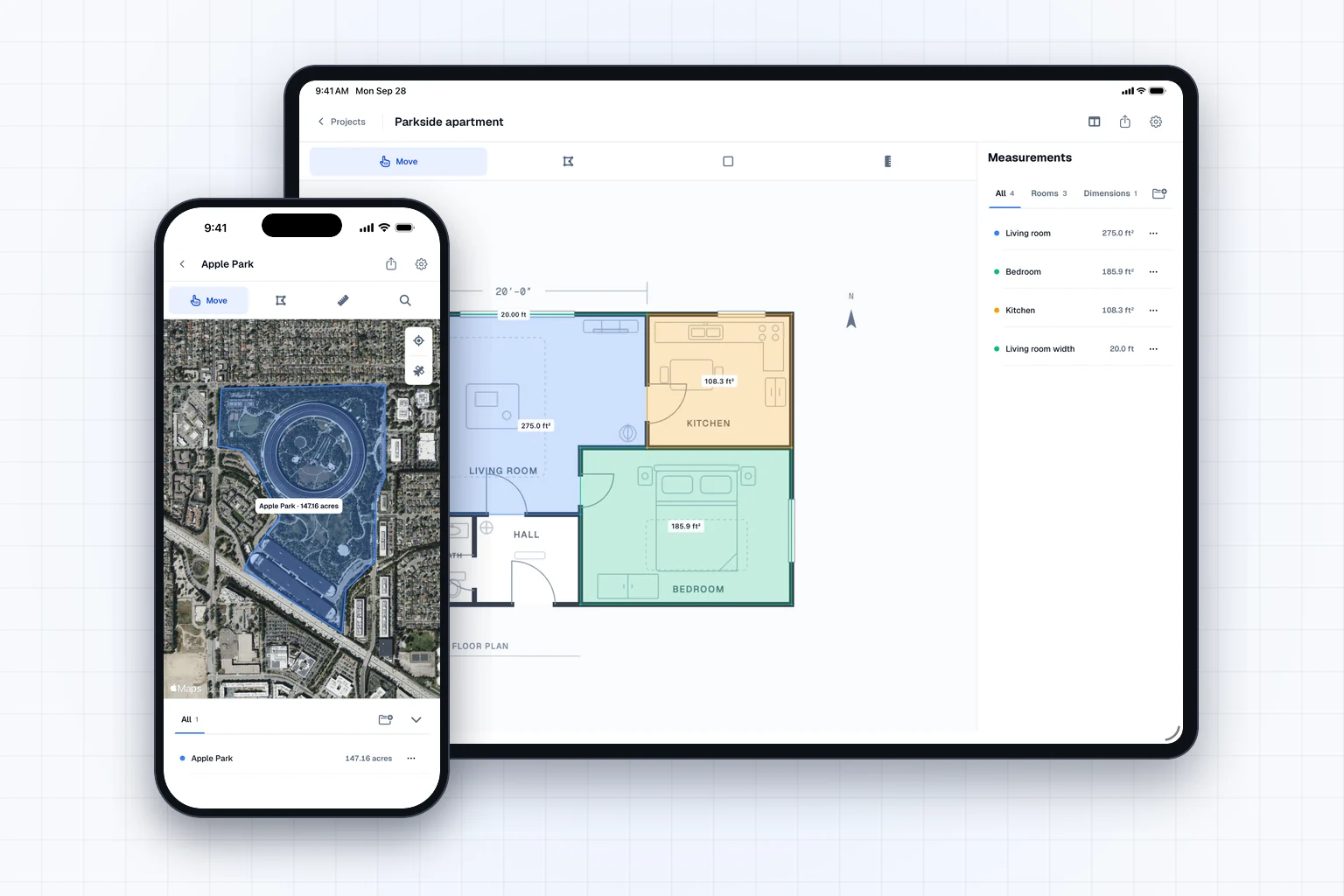
Areaplane is now available on the App Store for iPhone and iPad. It is built for power users, and for anyone who needs measurements on the fly, like when quoting a job on site. Measure real-world areas and lengths from a plan image or directly on satellite imagery, without setting up a CAD project.
The web version at areaplane.com stays fully free. The app is free to try with project limits, and Areaplane Pro unlocks unlimited use.
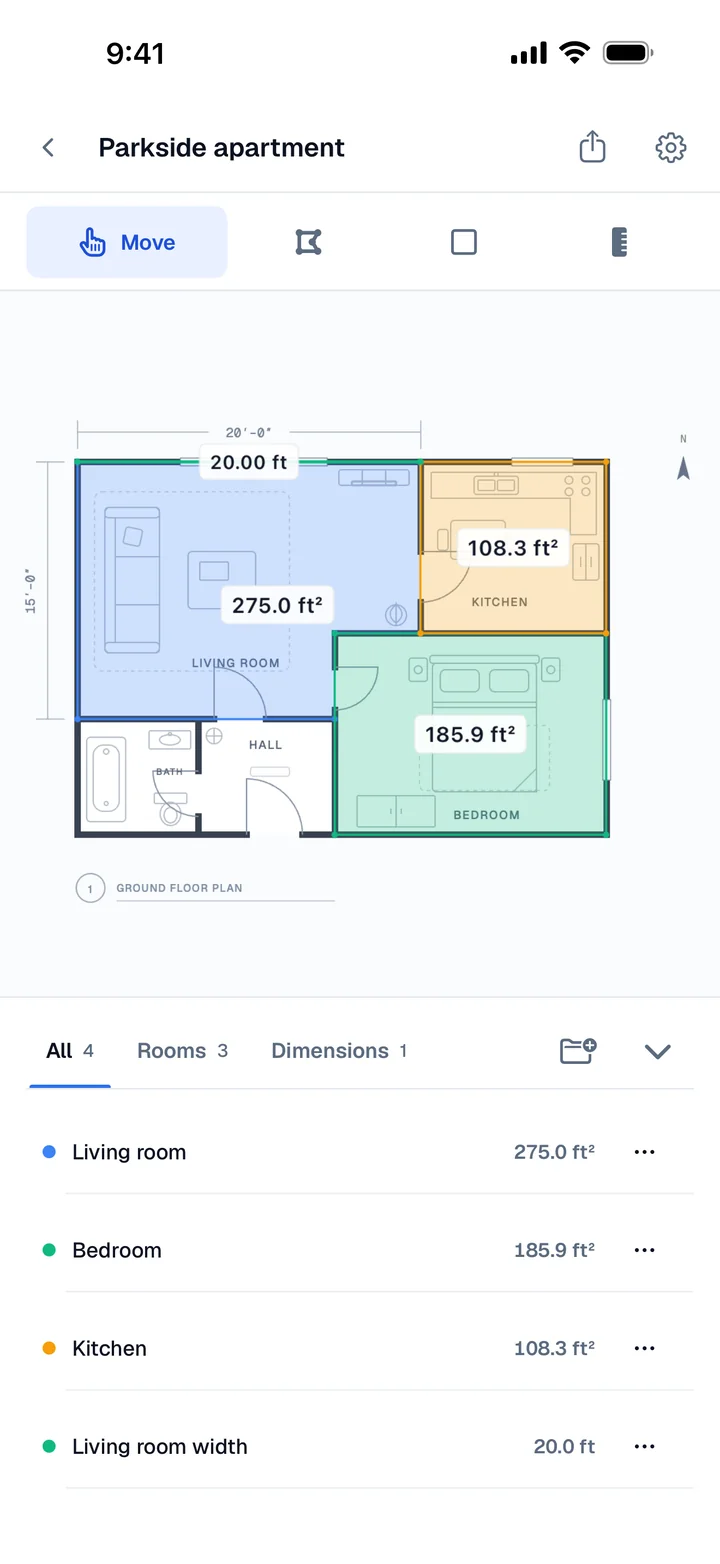
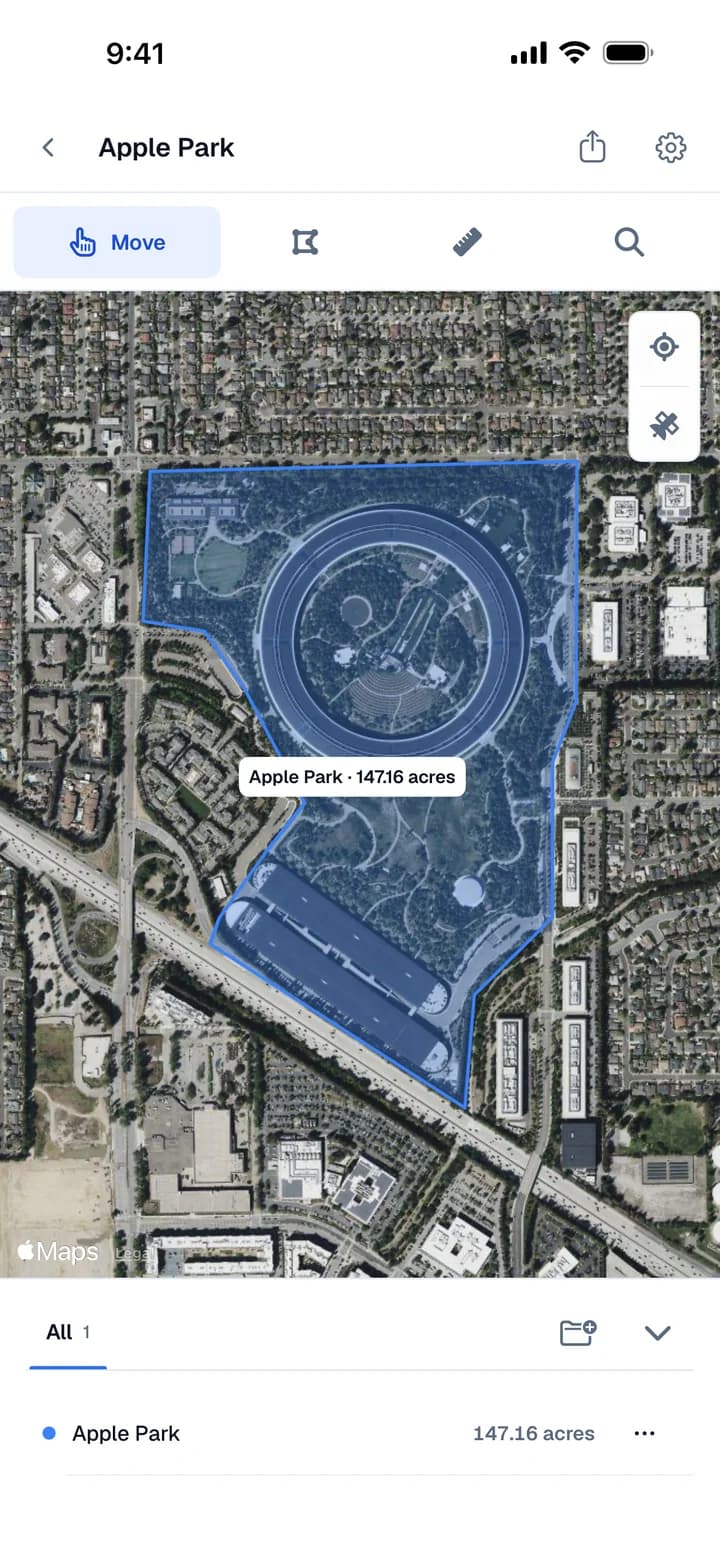
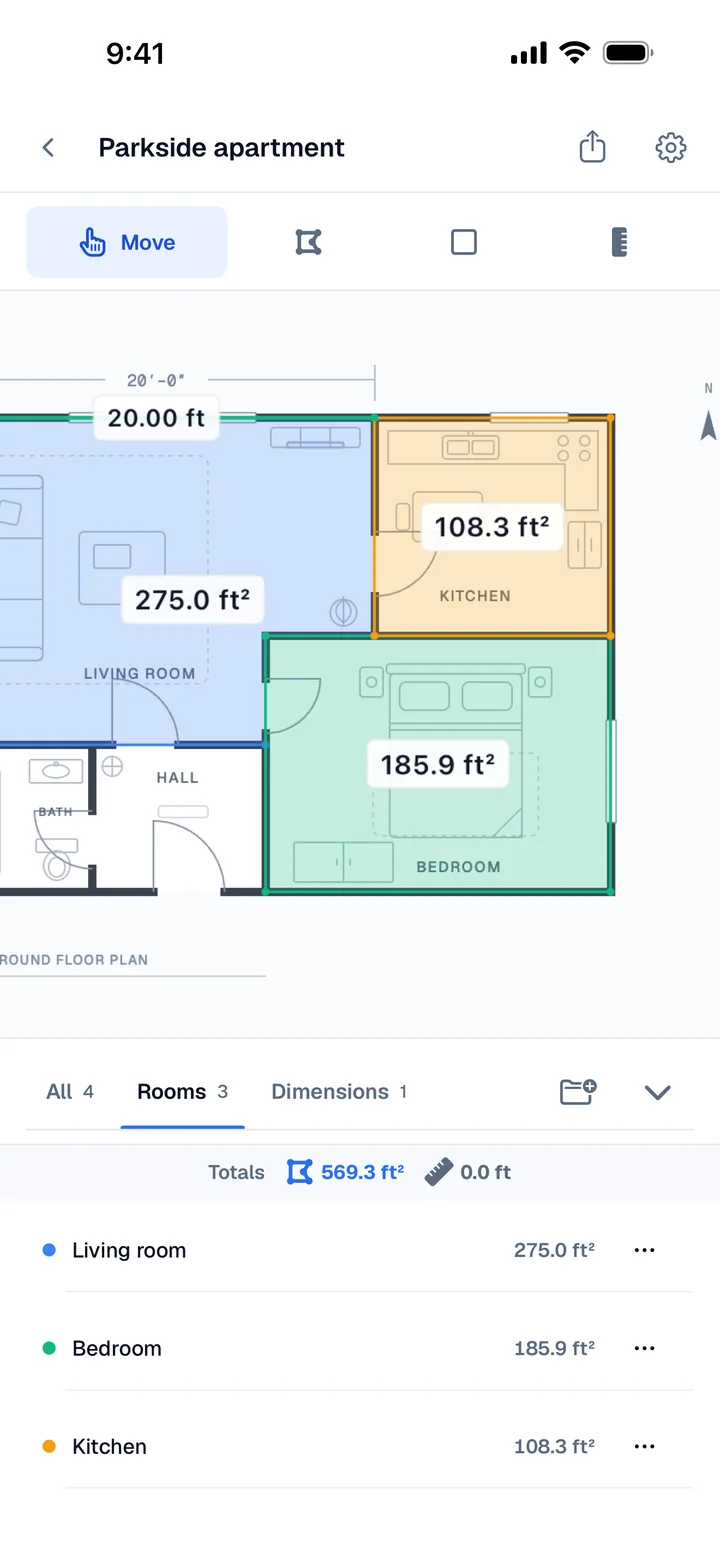
Measure Floor Plans and Satellite Maps
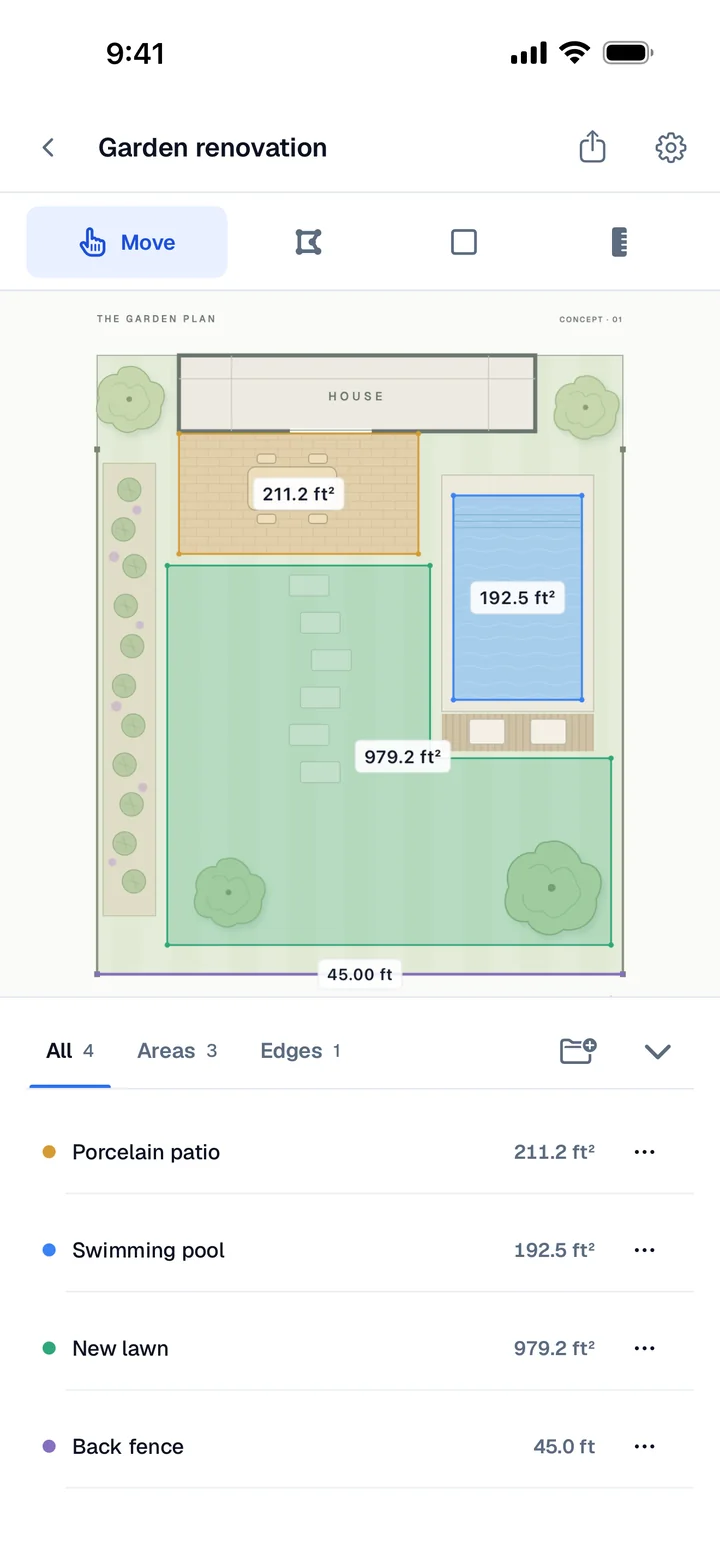
Have a floor plan? Import a photo or image, set the scale using one known real-world length, and trace your rooms. Use the polygon tool for irregular spaces, rectangles for simple rooms, and the length tool for individual dimensions. Name and color each measurement, with area totals updating as you draw in square feet or square meters.
Measuring outdoors? Search an address or use your GPS location to find the site on Apple Maps satellite imagery. Trace a lot, roof, lawn, or parcel to see its area, including acreage. Map measurements are estimates; a traced outline does not establish a legal property boundary.
Categories and Totals
Group measurements into custom categories, such as Ground Floor, Upstairs, or Lawn. Drag measurements between categories, swipe to rename or delete them, and see a total for each group.
Whether you are quoting a job on site, checking a listing’s square footage, estimating renovation materials, or measuring a yard, you can keep the numbers organized in one project. Areaplane is built for real estate agents, contractors, landscapers, appraisers, property managers, and anyone planning work on their own home.
iCloud Sync on iPhone and iPad
Projects sync automatically through iCloud across your iPhone and iPad. Start on one device and continue on the other.
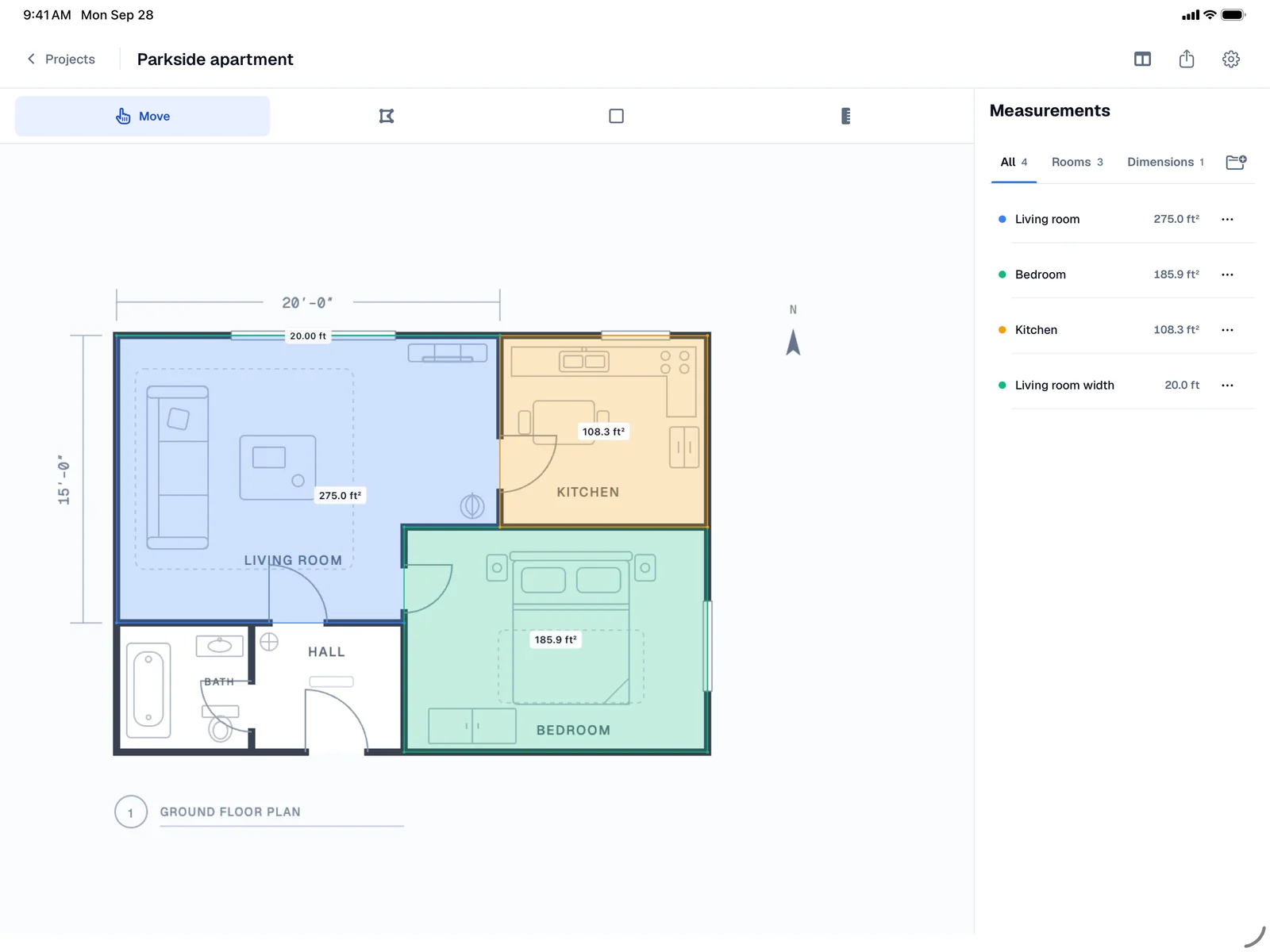
On iPad, the canvas and measurement panel sit side by side. On iPhone, a compact layout keeps the same drawing and measurement tools within reach.
Move Projects Between the Web and the App
Import a compatible project file from areaplane.com into the iPhone or iPad app, or export a project from the app and open it on areaplane.com. Projects can move in either direction, so you can measure on the device that suits the job.
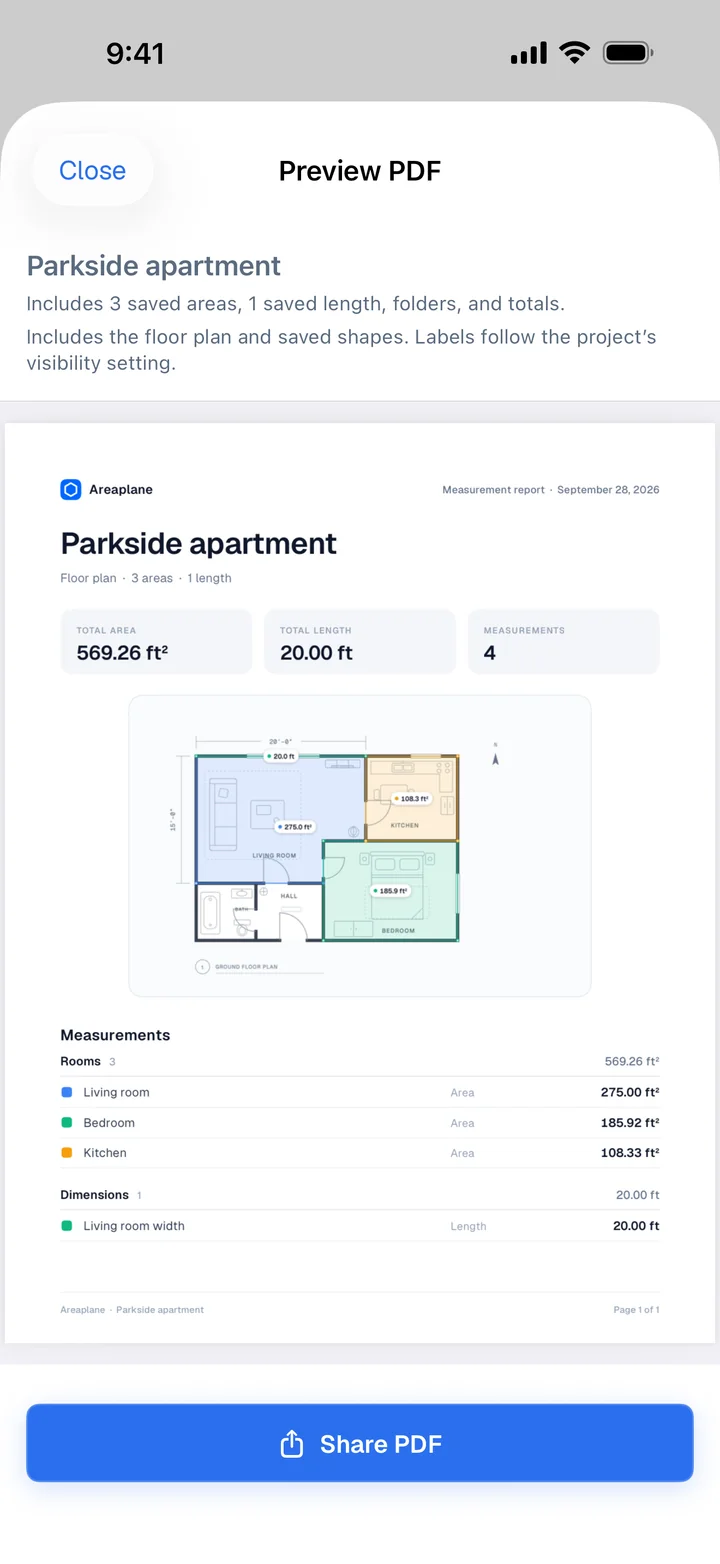
You can also export a PDF or send a project through a share link. The recipient gets an independent copy, so changes to their copy do not change yours.
Free on the Web, Free to Try in the App
The web version at areaplane.com remains free to use, with no project limits or usage restrictions. Nothing about the web tools changes with the app.
The iPhone and iPad app is free to try with project limits. Areaplane Pro unlocks unlimited use in the app, with a yearly subscription or a one-time lifetime purchase.
