
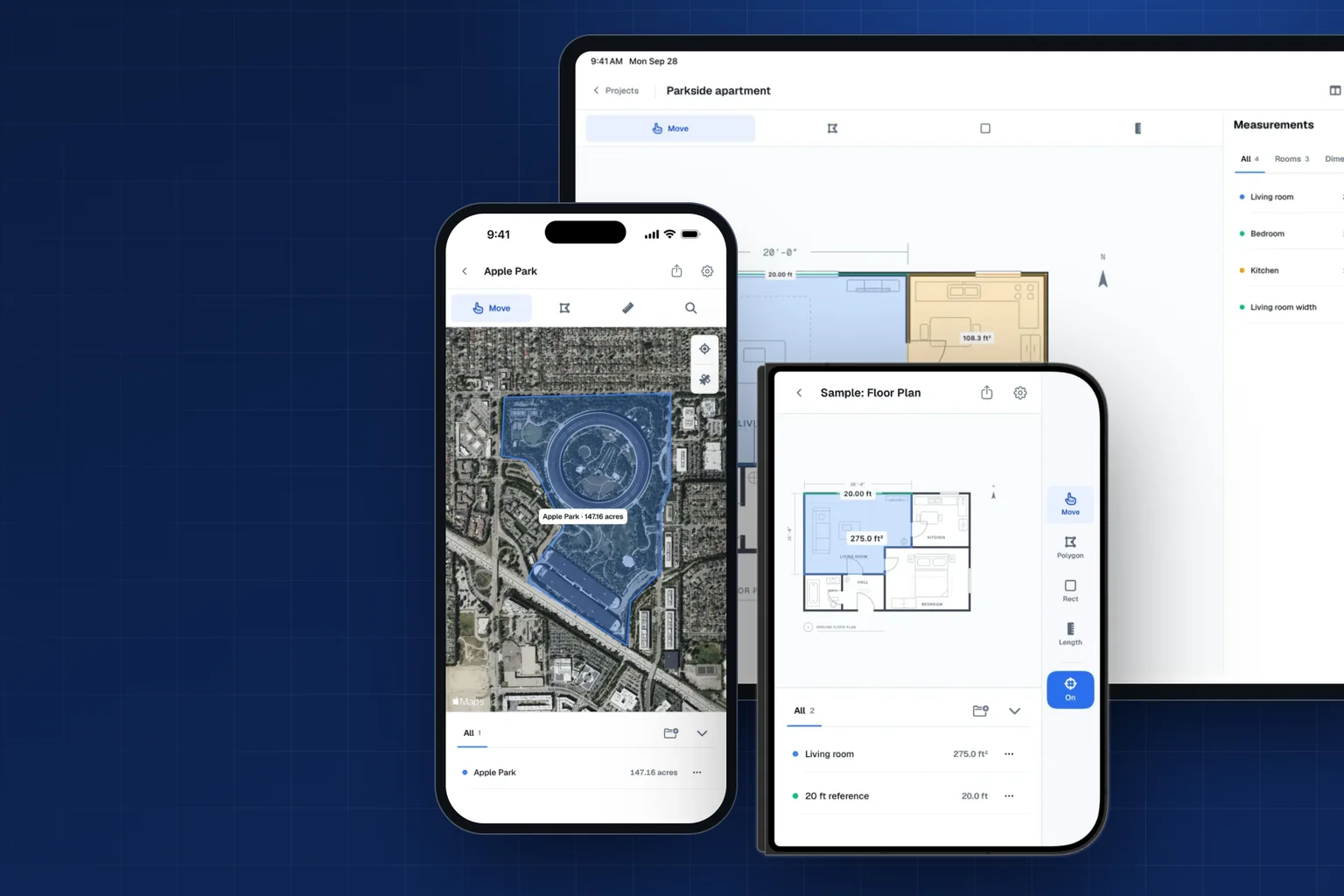
Areaplane is one app on the App Store for iPhone, iPad, and now iPhone Duo. The tools are the same everywhere: trace a floor plan or a satellite map and get areas and lengths. What changes is the layout, so each screen gives the plan as much room as it can. Here is how each version works, and what to expect on iPhone Duo, which is out today.
The Same Tools on Every Device
Floor plans. Import a plan from a photo, an image, or a PDF. Set the scale from one length you know, such as a 20 ft wall, and Areaplane can spot a written dimension like 20′-0″ on the plan and offer it as the scale. Then trace with Polygon, Rectangle, or Length. Touch and hold inside a room with Polygon to outline the whole room in one step.
Maps. Search an address or use your location, and trace a lot, roof, or lawn on standard, satellite, or hybrid maps. Map measurements are estimates; a traced outline is not a legal property boundary.
Placing points. Precision is on by default: tap near a corner, the plan zooms in, and you place the point exactly. Smart snapping pulls points onto the walls and corners of a floor plan, with a light tap you can feel. Both can be turned off. Labels step aside while you draw, so they never cover the next corner.
Organizing. Name each measurement, group them into folders like Ground Floor or Lawn, and see a total for each. Units switch on their own for large numbers, such as square feet to acres, and you can set your own thresholds.
New to the app? The quick tutorial on the home screen walks you through setting the scale and tracing rooms on a sample plan, in about a minute.
iPhone
On iPhone, the plan fills most of the screen. The tools sit in a row under the header, and the measurements list sits below the plan, where you can collapse it to give the plan more room.
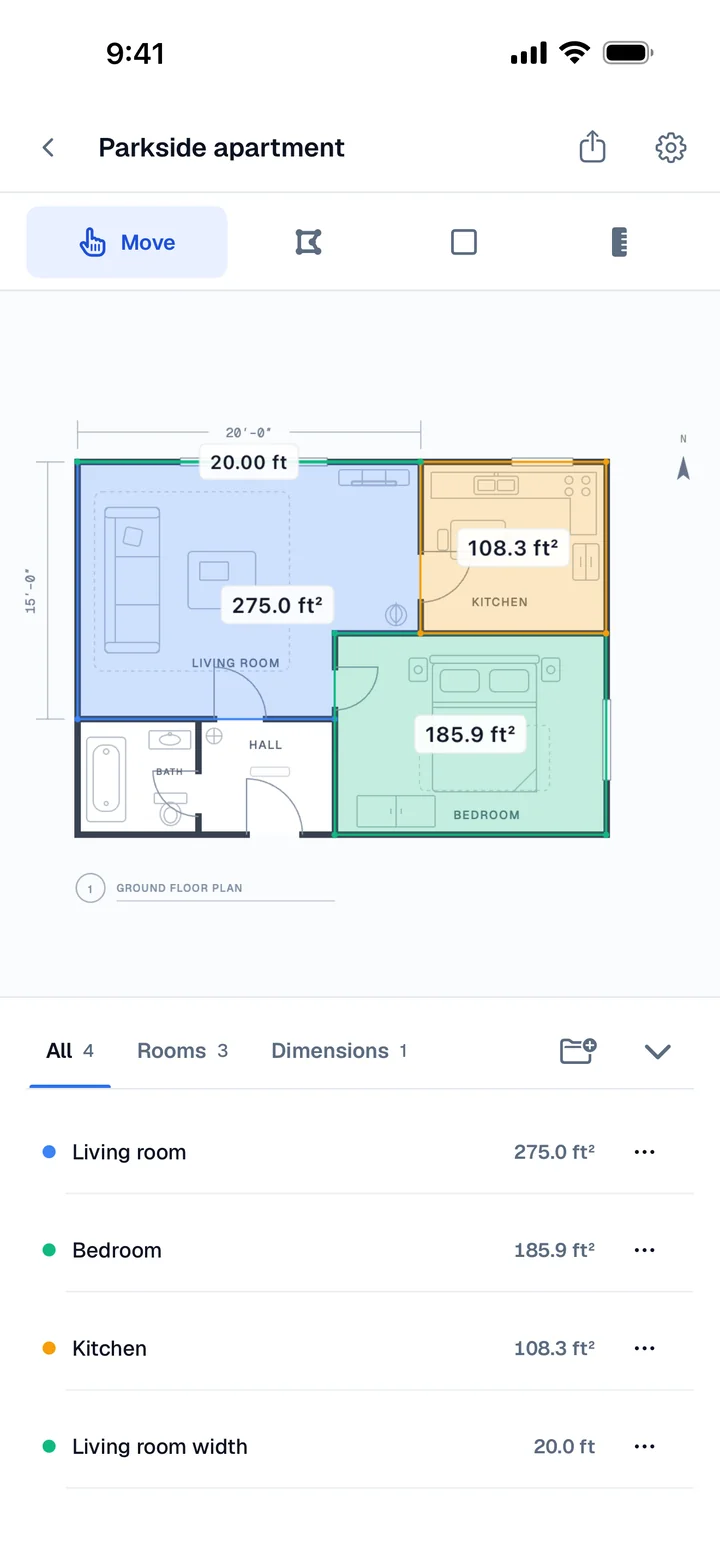
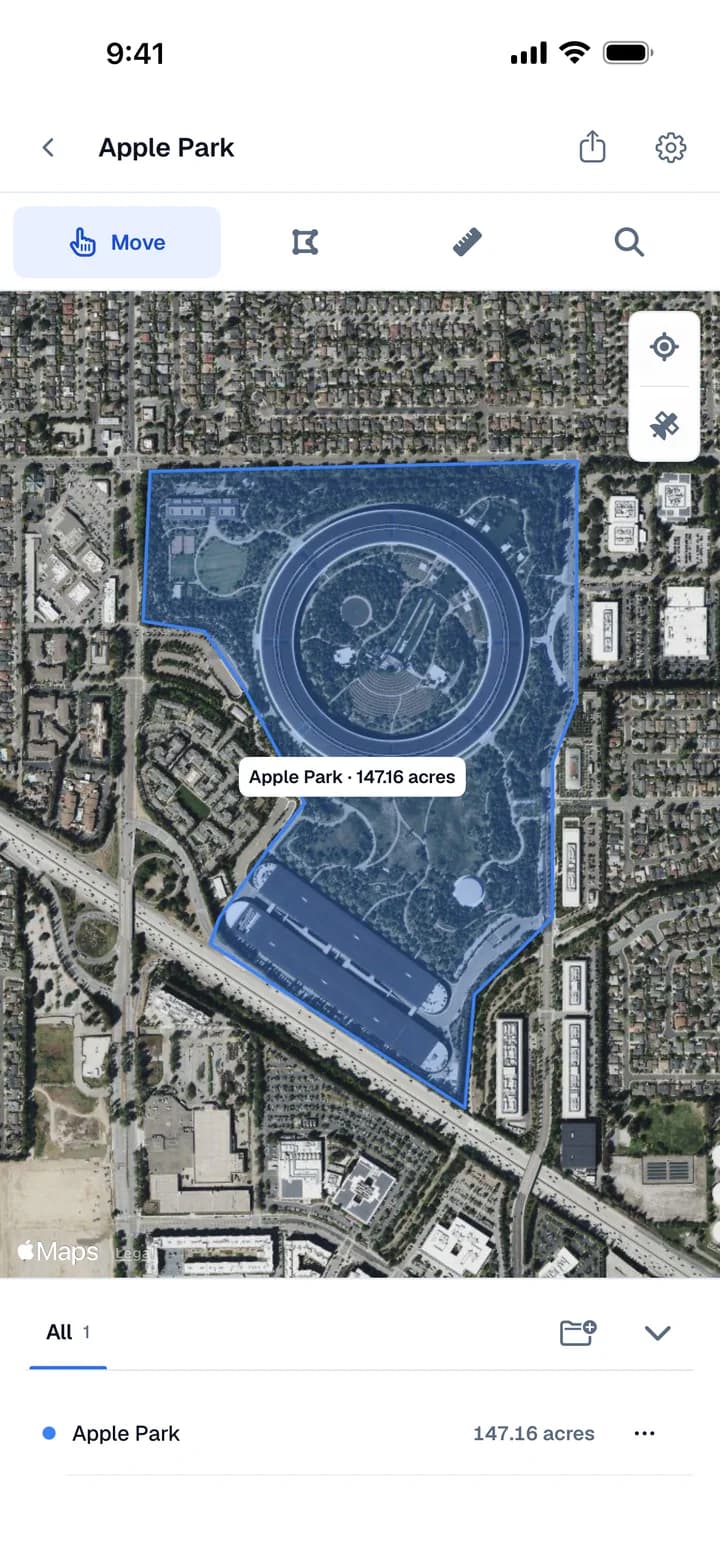
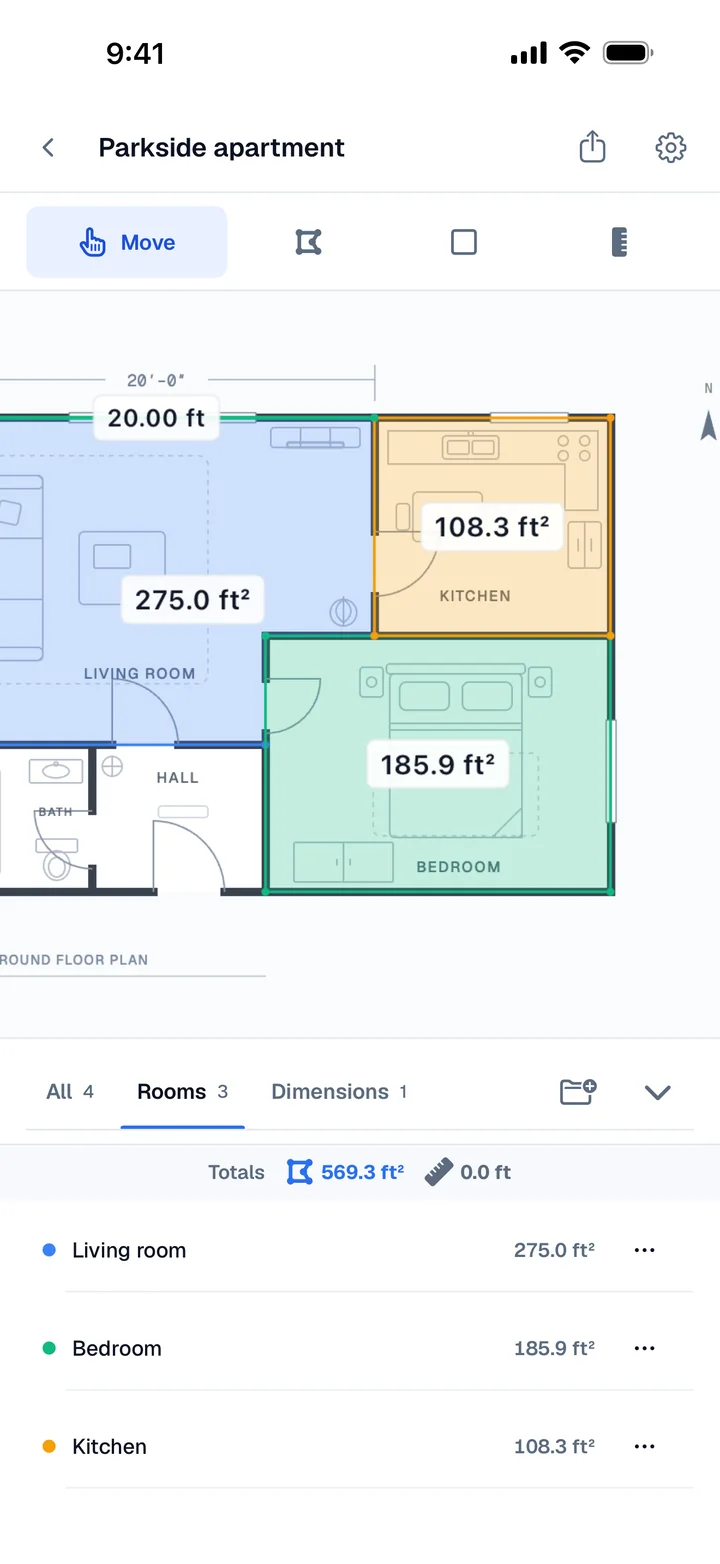
It is the version for measuring on the spot: standing in a room, at a listing, or quoting a job from the driveway.
iPad
On iPad, the plan and the Measurements panel share the screen side by side, so you can see every total while you trace.
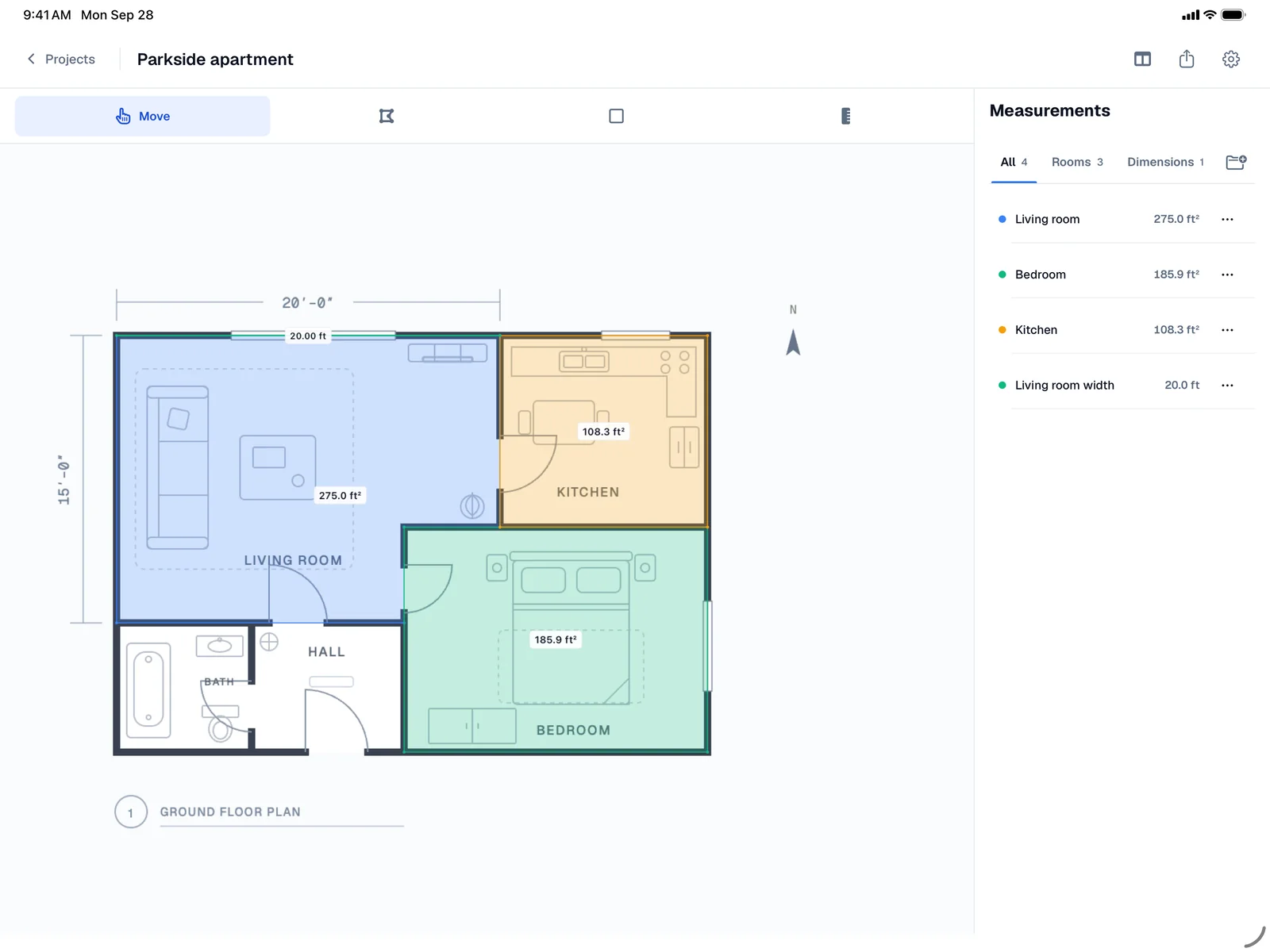
The larger screen suits detailed plans with many rooms, and working through a takeoff at a desk.
iPhone Duo
iPhone Duo has two displays, and Areaplane uses a different layout for each.
Unfolded, on the large inner display, the plan or map gets its own pane, and everything else moves into a panel beside it: the current instruction, the measurements, and Cancel, Undo, and Save while you draw. The tools sit in a rail down the right edge. A button in the header moves the panel below the plan instead, in portrait or landscape.
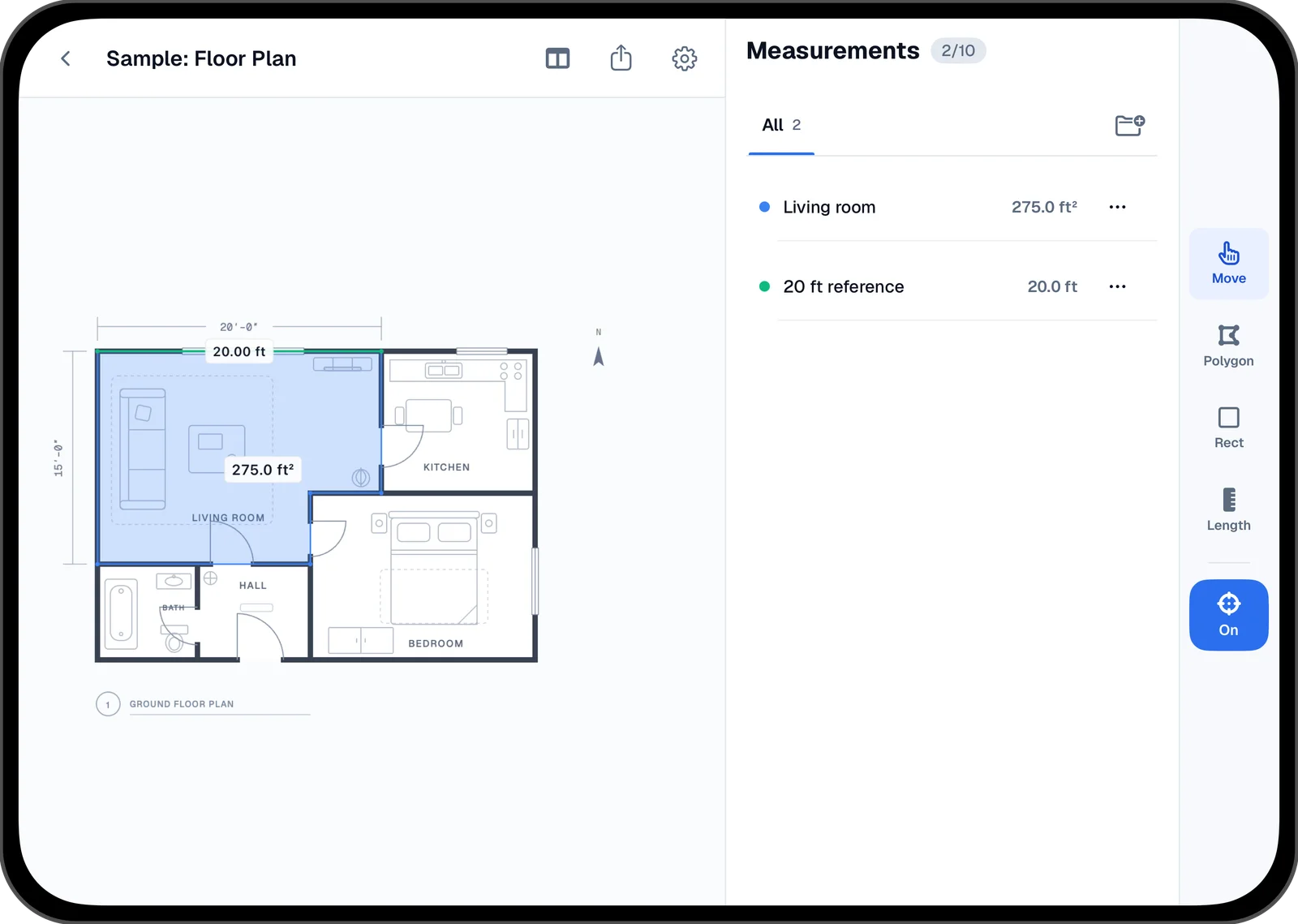
Folded, on the outer display, Areaplane uses its phone layout, with the tools in the same side rail and the settings button moved clear of the selfie camera. Open it up at any point and the project carries on in the two-pane layout.
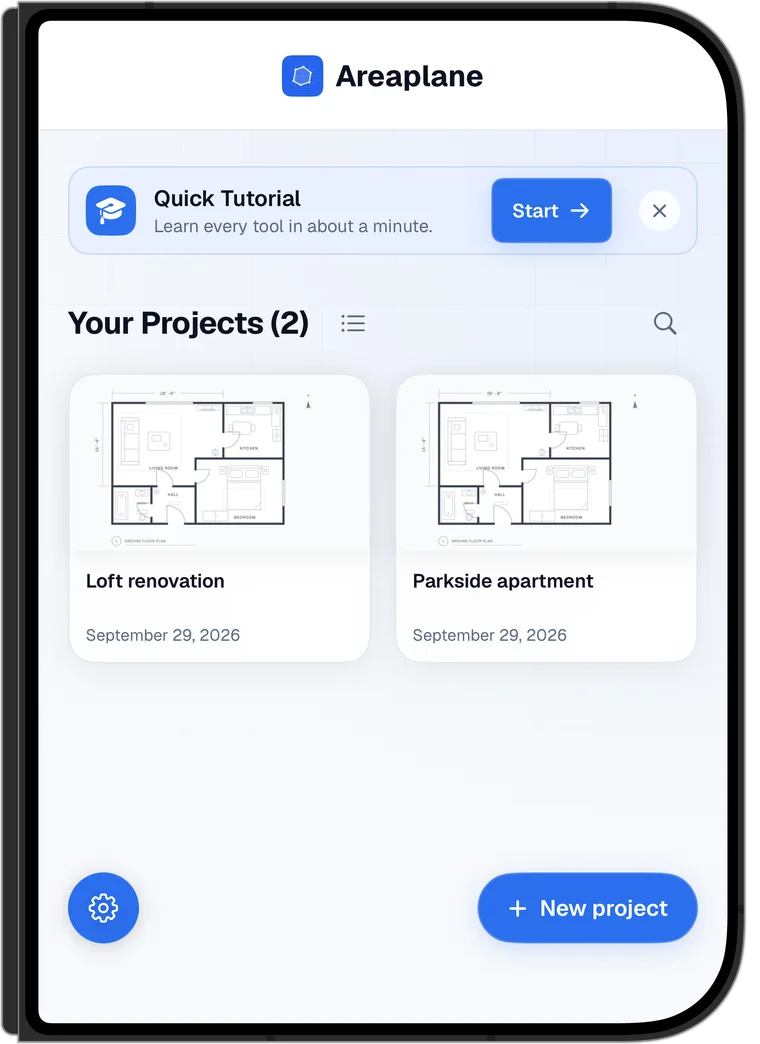
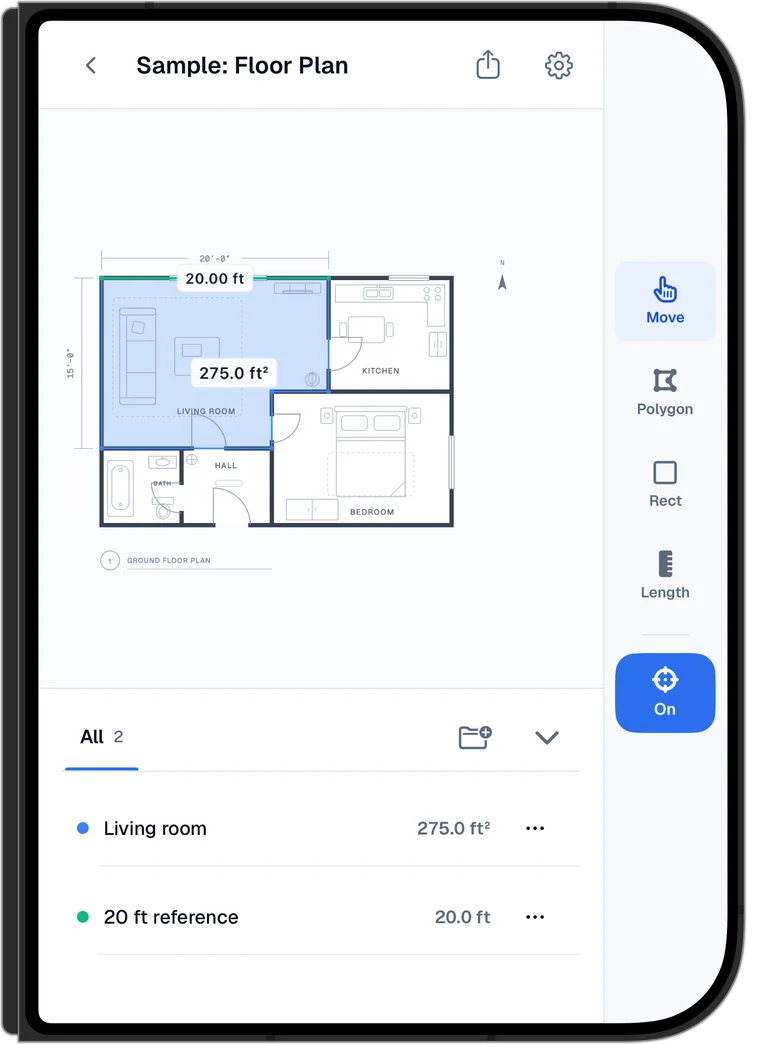
The tutorial moves into the panel on the unfolded display, so the plan stays clear for the taps it asks for. The status bar is hidden on iPhone Duo, so the plan uses the whole display. More about the iPhone Duo layouts.
iPhone Duo Is Out Today
iPhone Duo is Apple's first foldable iPhone. It went on sale today, October 23, after pre-orders opened on October 16. Apple lists a 7.6-inch inner display and a 5.4-inch outer display, the A20 Pro chip, and a titanium frame and hinge cover.
Areaplane 1.2, already on the App Store, supports iPhone Duo from the first launch. Install it or update it, and the Duo layouts are there.
We built and tested these layouts in Apple's iPhone Duo simulator, before the hardware reached anyone. One thing isn't in 1.2 yet: with the Duo half open, laying the plan and the panel out on either side of the fold. We plan to add it in a later update. If anything looks off on your Duo, send a note through the contact page and we will look at it right away.
Your Projects Move With You
With Areaplane Pro, projects sync through iCloud, so you can start on iPhone or a folded Duo on site and finish on iPad at your desk. Project files from the web tools open in the app, and Pro exports app projects back to the web. Pro also exports PDF reports and sends a project as a share copy; the recipient gets their own copy.
Free to Try
The app is free to try with 2 floor plans and 2 maps, up to 10 measurements each, plus every measurement unit, folders, and dark mode. The Floor Plan and Map samples don't count toward the limit. Areaplane Pro unlocks unlimited floor plans and maps, more than 10 measurements per project, PDF and web export, iCloud sync, and share copies, with a yearly subscription or a one-time purchase.
The web version at areaplane.com stays free, with no limits.
